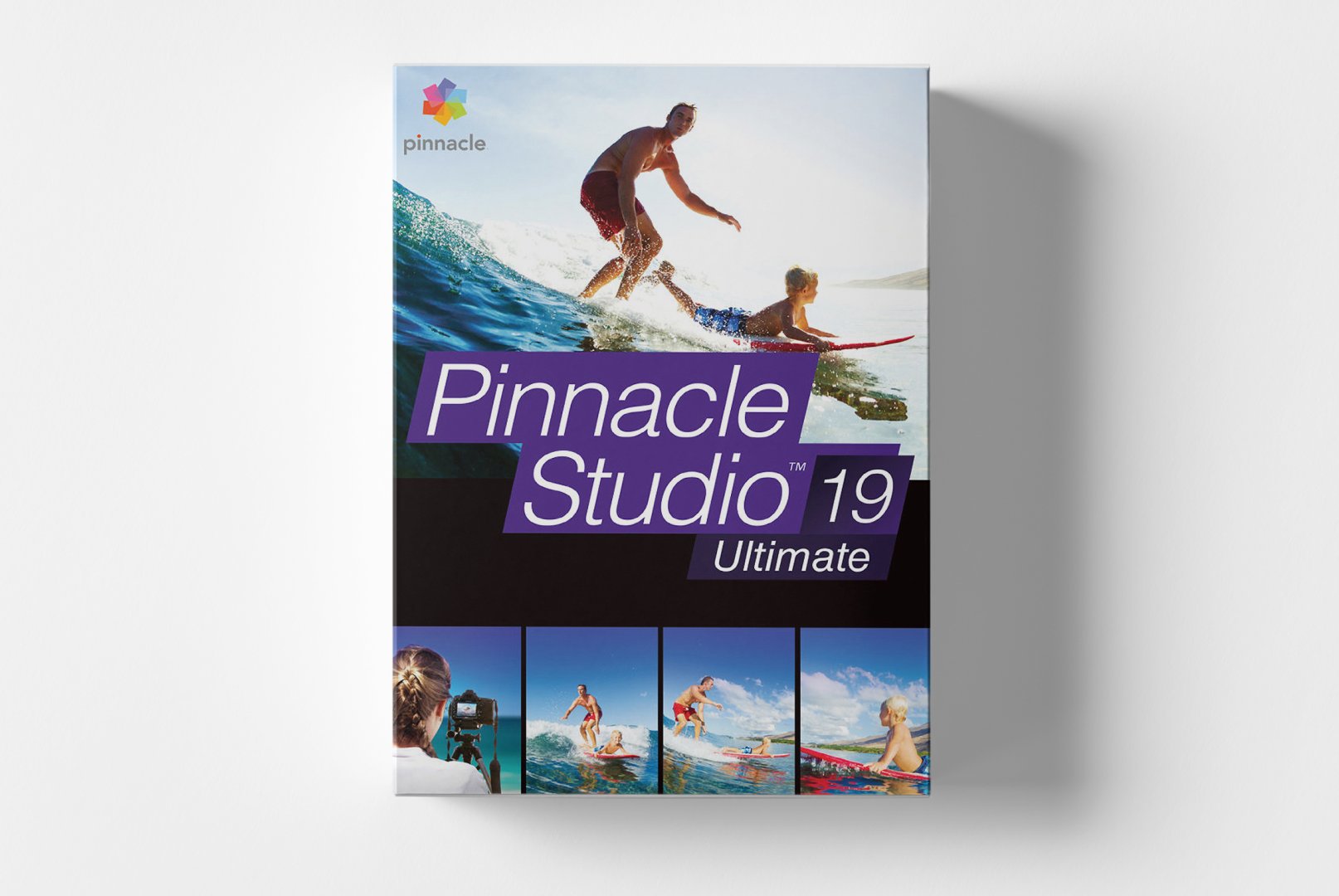
Pinnacle Studio Ultimate 19: Comprehensive Video Editing for Creative Projects
Pinnacle Studio Ultimate 19 is the premium solution for video editing, offering an impressive collection of professional tools for filmmakers, content creators, and video enthusiasts. This fully equipped software combines user-friendly workflows with powerful editing capabilities that were previously reserved for professional editing systems. With Pinnacle Studio Ultimate 19, transform raw footage into stunning film projects characterized by exceptional quality and creative flair.
Core Features for Professional Video Editing
Pinnacle Studio Ultimate 19 integrates a wide range of editing tools in a structured working environment. The software is designed to efficiently support both quick edits and complex film projects with multiple tracks and effects.
Multi-Track Editing and 4K Support
The software supports up to 6 video tracks and 6 audio tracks for complex editing projects. Native 4K UHD editing ensures the highest image quality, while smart proxy workflows allow smooth operation even with high-resolution media. The multi-camera editor simplifies the cutting of footage from multiple cameras.
Professional Effects and Color Correction
Over 2,000 effects, transitions, and title templates are available for creative design. The advanced color corrector offers precise tools for color adjustments, look-up tables (LUTs), and color grading. Keyframe-based animations enable smooth movements and dynamic effects.
Advanced Audio Editing
The integrated audio mixing provides precise control over sound levels, equalizer settings, and noise reduction. Surround sound support and audio ducking automate the adjustment of background music to voice recordings. Professional voice-over recording is possible directly in the software.
Diverse Applications for Various Users
Pinnacle Studio Ultimate 19 is suitable for a wide range of video projects and user groups. The flexible software offers specific features for different needs in video creation and editing.
- Professional home videos and family recordings in high quality
- YouTube content creation and social media video production
- Corporate videos and marketing presentations
- Wedding videos and event documentation
- Educational tutorials and training videos
- Short films and creative film projects
Intuitive Workflows and User-Friendly Interface
Installing Pinnacle Studio Ultimate 19 is straightforward, guiding you systematically through the setup process. The three-part work environment with import, editing, and output areas provides a logical structure for the entire video editing process from raw material to finished film.
The customizable user interface allows both simple editing tasks in storyboard mode and complex multi-track editing in the timeline editor. Context-sensitive toolbars and extensive preview functions speed up the workflow, while automatic save functions prevent the loss of work steps. Drag-and-drop functionality simplifies adding effects and transitions.
Tip for Efficient Work
For optimal performance, organize your video material in dedicated folders before importing. Use proxy editing for smooth work with 4K material and render intermediate versions for complex projects with many effects.
System Requirements for Pinnacle Studio Ultimate 19
Pinnacle Studio Ultimate 19 has demanding system hardware requirements for optimal performance in video editing. For smooth operation with HD and 4K material, we recommend adhering to the recommended system specifications.
| Component | Minimum Requirements | Recommended Requirements |
|---|
| Operating System | Windows 10 (64-bit) | Windows 10/11 (64-bit) |
| Processor | Multi-core processor with SSE2 support | Intel Core i5 or AMD Ryzen 5 |
| Memory | 4 GB RAM | 16 GB RAM or more |
| Graphics Card | DirectX 10 compatible graphics card | NVIDIA GeForce GTX 1060 or higher |
| Hard Disk Space | 8 GB free space | 20 GB free SSD space |
| Resolution | 1280 x 768 (1920 x 1080 recommended) |
| Internet Connection | Required for activation and access to online content |
Performance Optimization
For the best performance in video editing, use SSD drives for project files and cache. Enable hardware acceleration in settings and close other resource-intensive applications during rendering. Regularly clearing the cache folder prevents performance issues.
Your Advantages When Buying at softwareshop24.com
As a customer of
softwareshop24.com, you benefit from a transparent purchasing process and reliable service for your video editing projects.
Direct Delivery
The product code will be promptly provided in your customer account and sent via email after purchase.
Permanent Professional Access
You receive permanent professional access without subscription or recurring costs - a one-time investment for long-term use.
Original Software
You receive an original product key from the manufacturer with full functionality and authorization for private and commercial use.
Start Your Creative Video Editing Journey
Pinnacle Studio Ultimate 19 offers a future-proof solution for anyone who values professional video editing and creative design options. With this comprehensive software suite, you can realize demanding film projects without technical barriers or restrictions in design possibilities.
The combination of a user-friendly interface, powerful editing tools, and extensive effects libraries makes Pinnacle Studio Ultimate 19 the ideal choice for both video enthusiasts and professional users alike. Choose creative freedom in video editing without subscription commitments today.