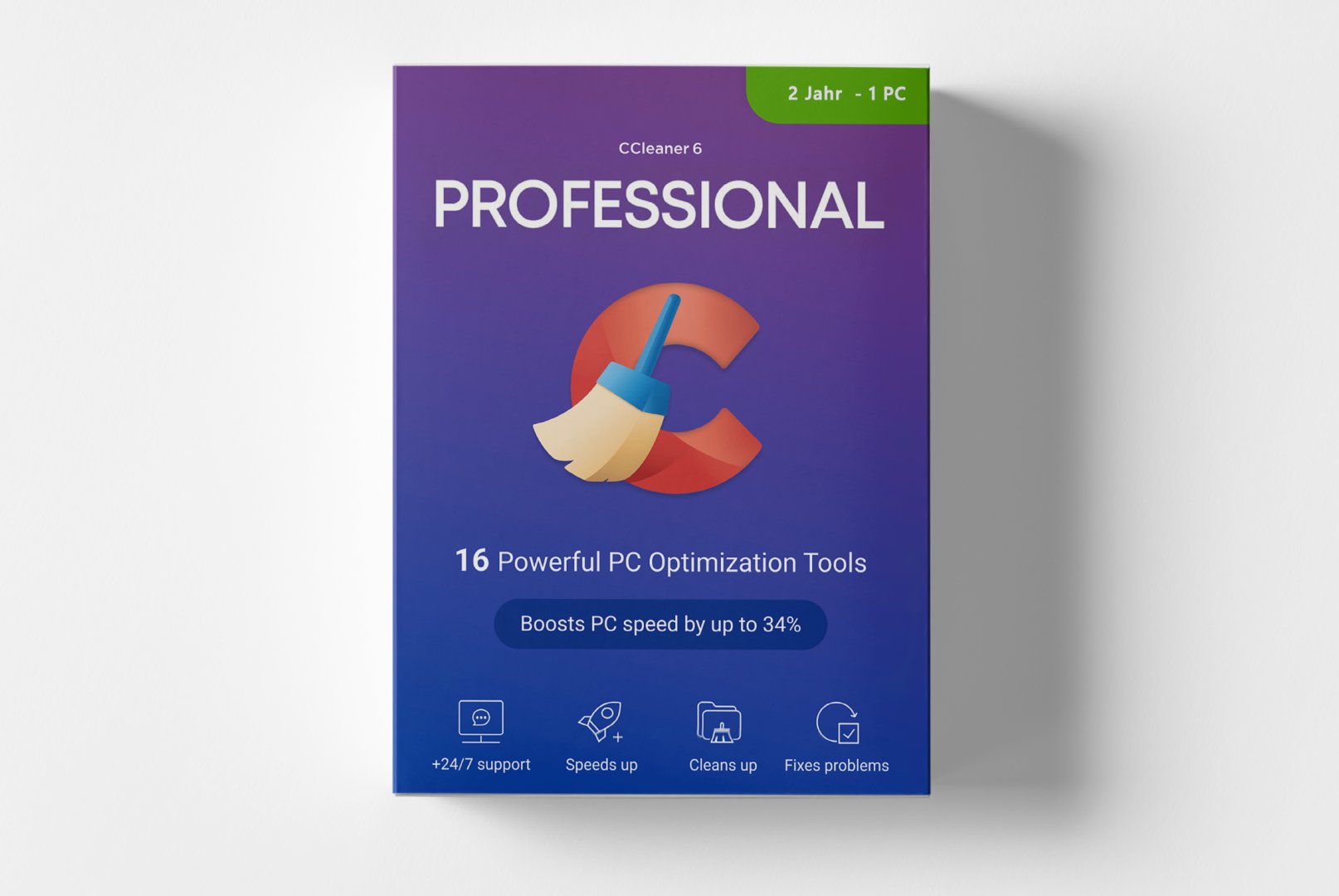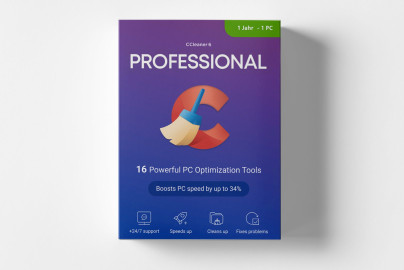
CCleaner Professional: Comprehensive PC Optimization for Maximum Performance
CCleaner Professional is the premium solution for systematic system maintenance and performance optimization. This proven software efficiently removes unnecessary files, cleans the
Windows Registry, and safeguards your digital privacy. With advanced features for automatic maintenance, CCleaner Professional sustainably optimizes your system performance and frees up valuable storage space while securely and irretrievably deleting sensitive data.
Core Features for Optimal System Performance
CCleaner Professional combines proven cleaning capabilities with modern optimization tools. The software works efficiently in the background, offering both automatic and manual cleaning options for varying user needs and experience levels.
Comprehensive System Cleaning
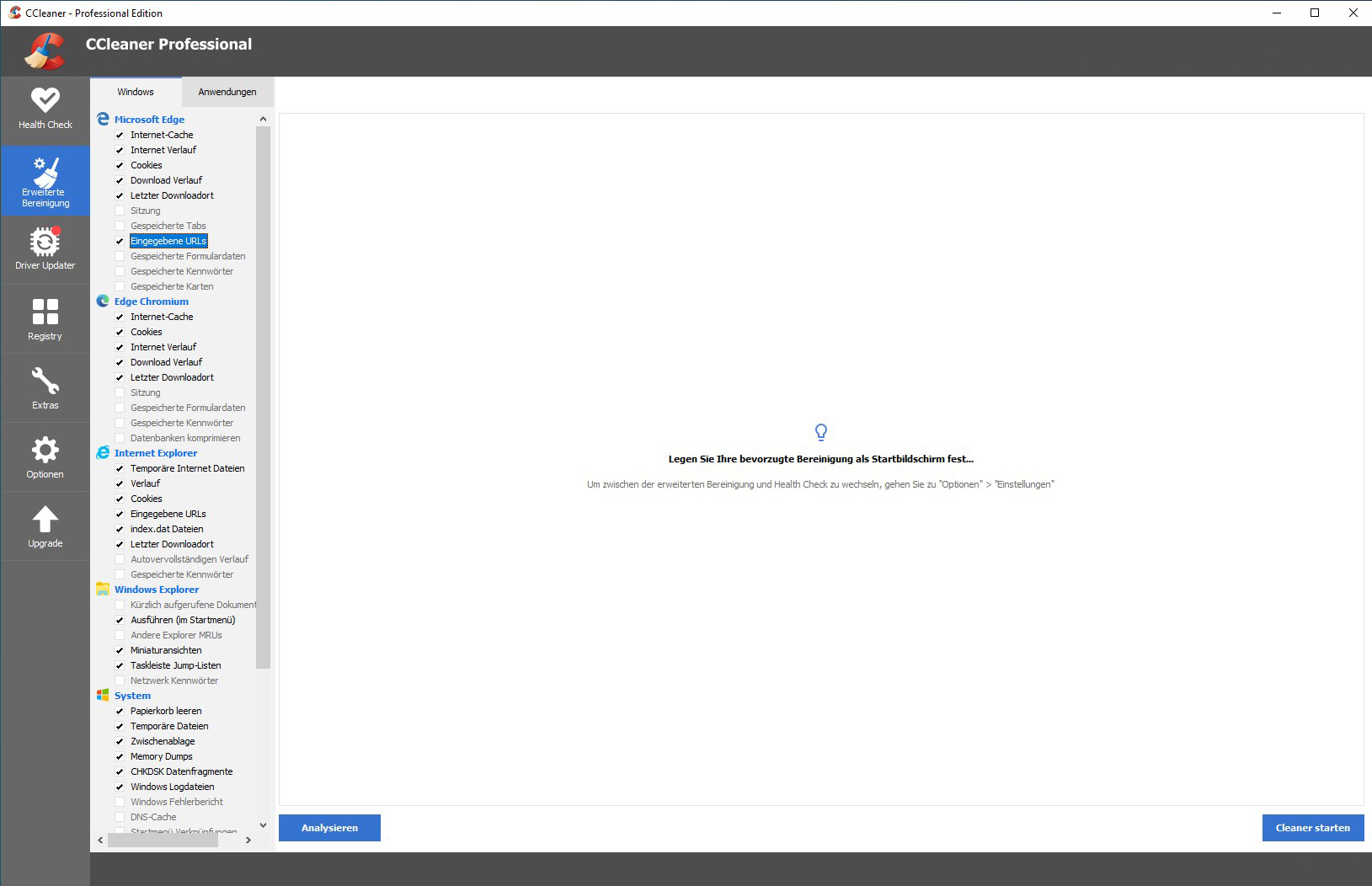
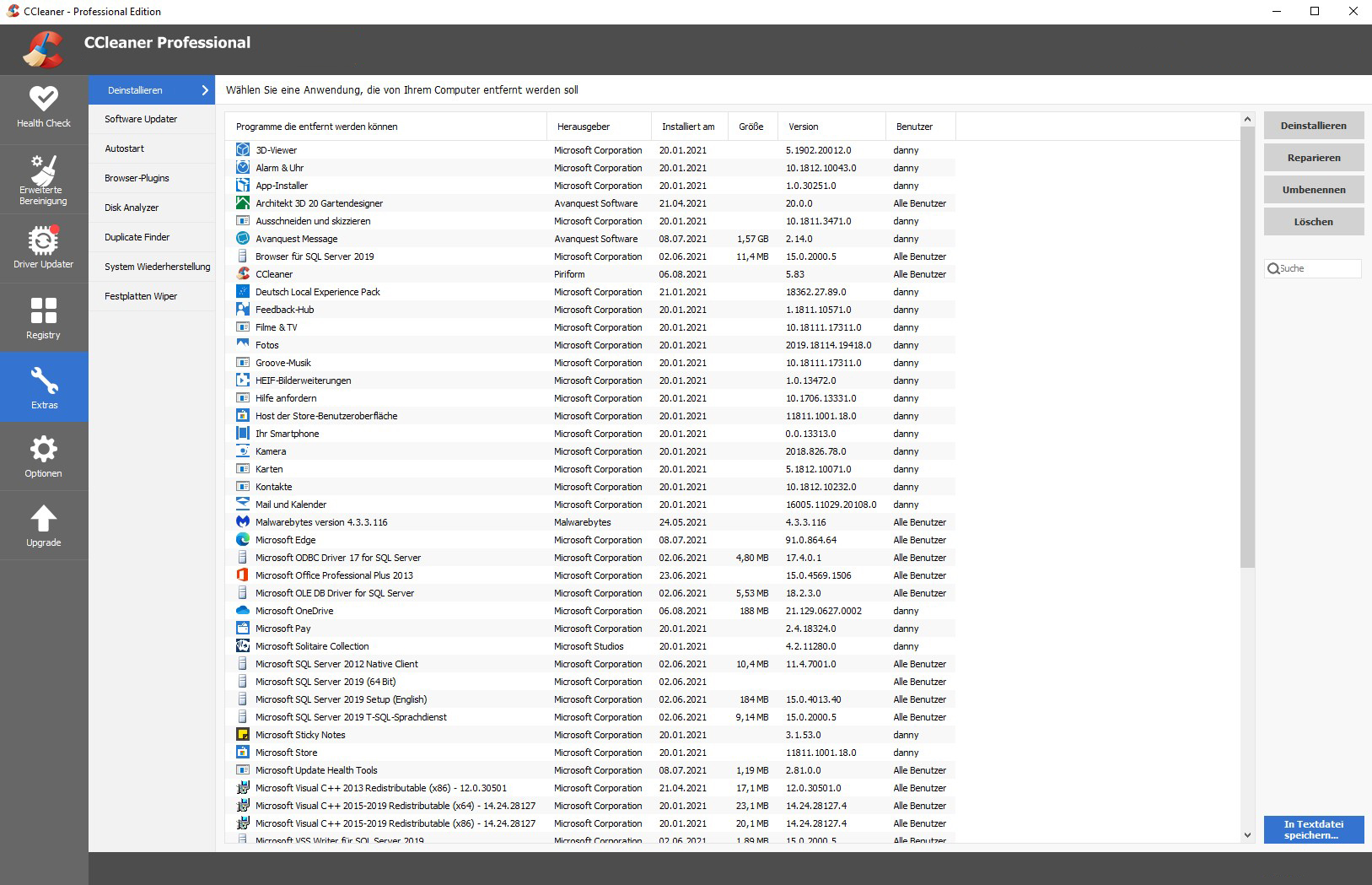
The software removes temporary files, cache data, and system junk from over 1,000 applications and browsers. Through thorough cleaning, you regain valuable hard drive space and significantly speed up system performance for a smoother computing experience.
Registry Cleaning
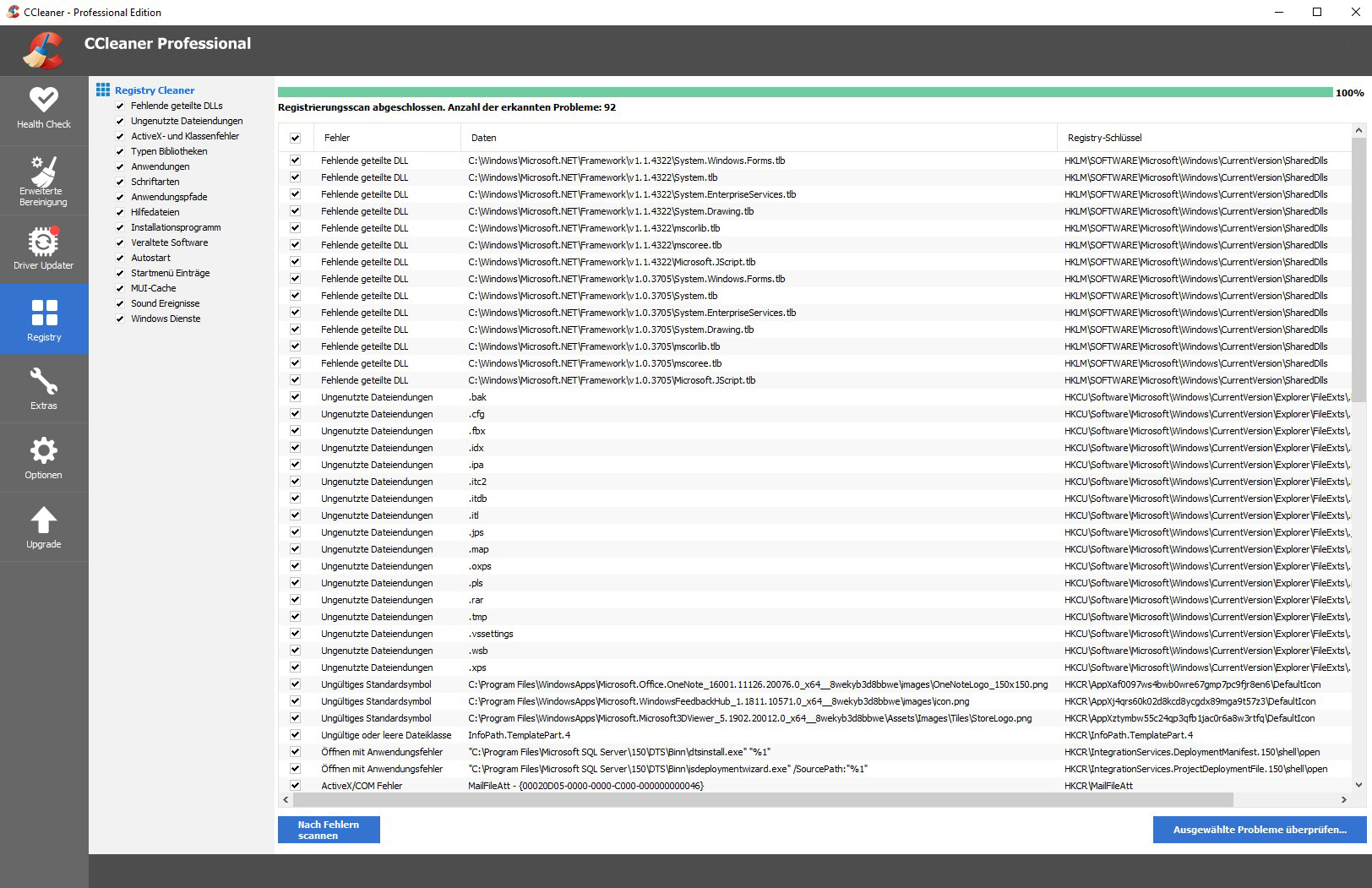
The integrated registry cleaner identifies and repairs faulty registry entries that can cause system instability. This significantly improves system stability and effectively prevents program crashes and performance drops.
Real-Time Monitoring
The Active Monitoring feature continuously monitors your system and performs automatic cleaning tasks. You receive proactive notifications about optimization opportunities and potential performance issues before they become noticeable.
Diverse Usage Scenarios in Daily Life
CCleaner Professional is suitable for various user groups and application scenarios. The software provides effective solutions for typical performance problems and privacy needs of modern computer users in different environments.
- Regular system maintenance for home users and individuals
- Performance optimization for gaming PCs and workstations
- Data protection for sensitive business and personal information
- Preventive maintenance for older systems and hardware
- Thorough cleaning after software uninstalls
- System preparation for backups and reinstallations
Intuitive Operation and Efficient Workflows
Installing CCleaner Professional is straightforward and takes you to an optimized system within minutes. The clearly structured user interface enables both quick standard cleanings and detailed manual settings for advanced users with specific requirements.
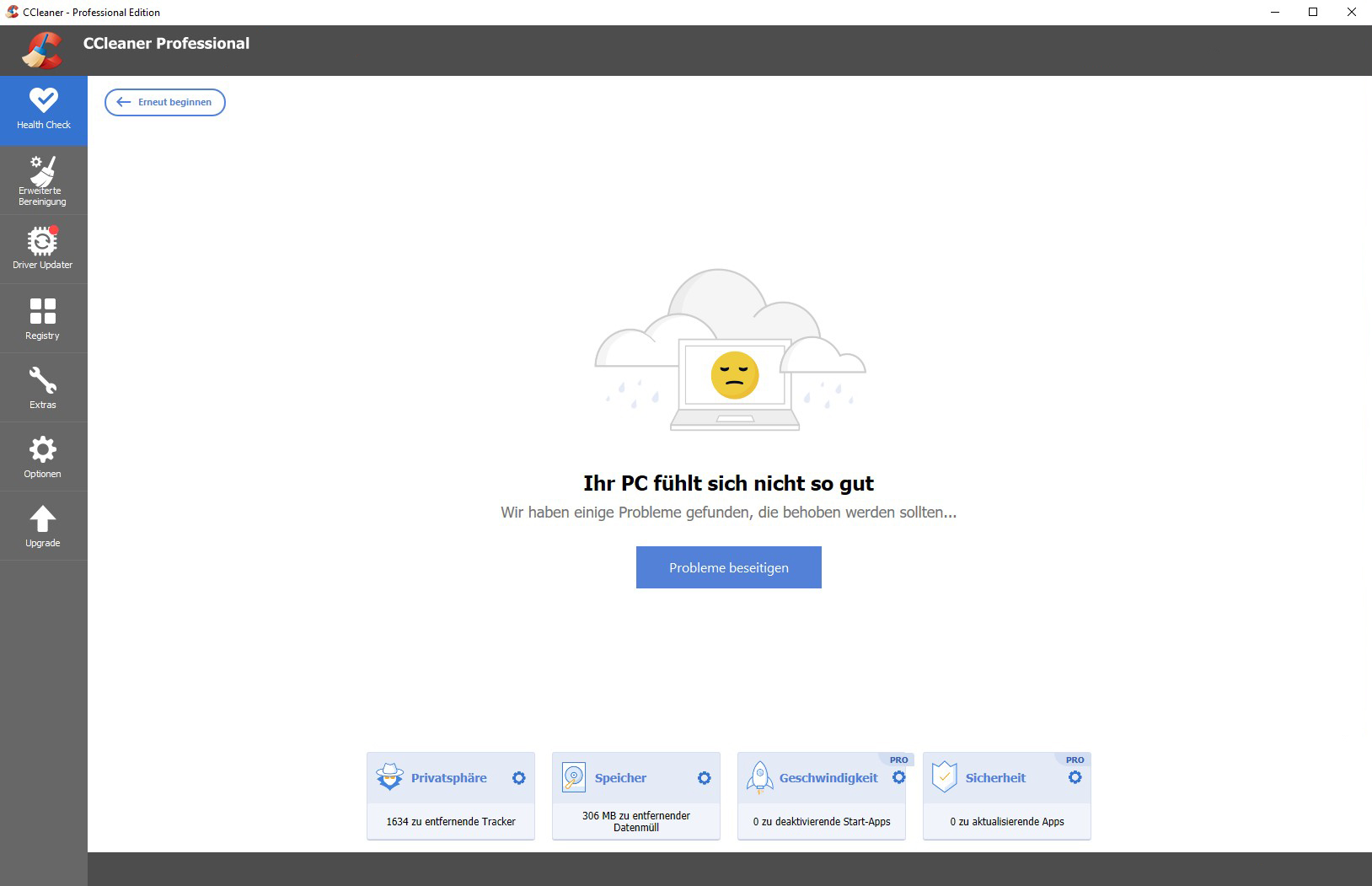
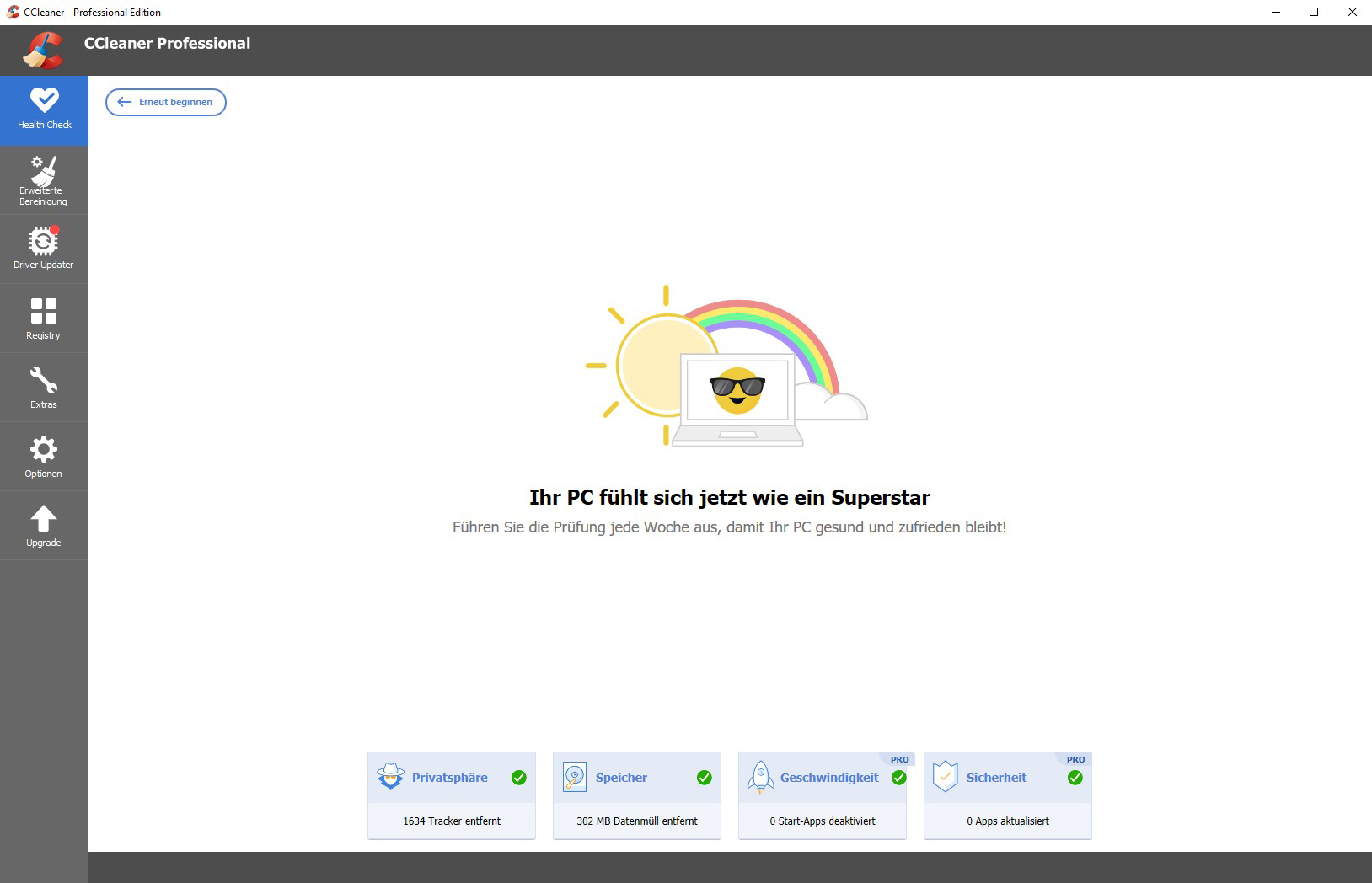
The dashboard provides a clear overview of all system areas that can be optimized. Color-coded status indicators inform you about the current optimization needs, while detailed reports provide comprehensive insight into the cleaning actions performed. The software also continuously learns from your usage habits and adjusts cleaning suggestions according to your individual preferences.
Tip for Optimal Results
For the best results, always perform a backup before major system changes. CCleaner Professional provides a reliable option to back up registry changes in case you encounter unexpected issues after a thorough cleaning.
System Requirements for CCleaner Professional
CCleaner Professional is compatible with the most common
Windows versions and poses moderate requirements on your system resources. For optimal performance and full functionality, we recommend adhering to the suggested system requirements.
| Component | Minimum Requirements | Recommended Requirements |
|---|
| Operating System | Windows 10 (32-bit or 64-bit) | Windows 11 (64-bit) |
| Processor | 1 GHz Processor | Modern multi-core processor |
| Memory | 1 GB RAM | 4 GB RAM or more |
| Hard Drive Space | 50 MB Free Space | 100 MB Free Space |
| Internet Connection | Required for activation, updates, and cloud features |
| Administrator Rights | Required for installation and registry access |
Performance Optimization
For maximum cleaning results, run CCleaner Professional regularly after extensive browsing sessions and software installations. The automatic maintenance feature can be configured to work intelligently in the background without disturbing your current work or consuming system resources.
Your Advantages When Buying from softwareshop24.com
As a customer of
softwareshop24.com, you benefit from a transparent purchasing process and reliable service that supports your digital system maintenance.
Instant Availability
The product code will be made available to you immediately in your customer account and sent via email simultaneously.
24 Months of Premium Features
You receive 24 months of access to all professional features, including automatic updates and premium support for your device.
Original Software
You will receive an original product key from the manufacturer with full support and update rights for the entire duration.
Optimize Your System Performance for Years to Come
CCleaner Professional provides a reliable solution for anyone who values sustainable system performance and comprehensive data protection. With a two-year term, this software is the ideal choice for users looking to benefit from optimized performance in the long run.
The combination of thorough system cleaning, registry optimization, and automatic maintenance makes CCleaner Professional an excellent choice for discerning users who want to keep their system in top shape continuously. Choose now for sustainably optimized system performance and protected privacy.