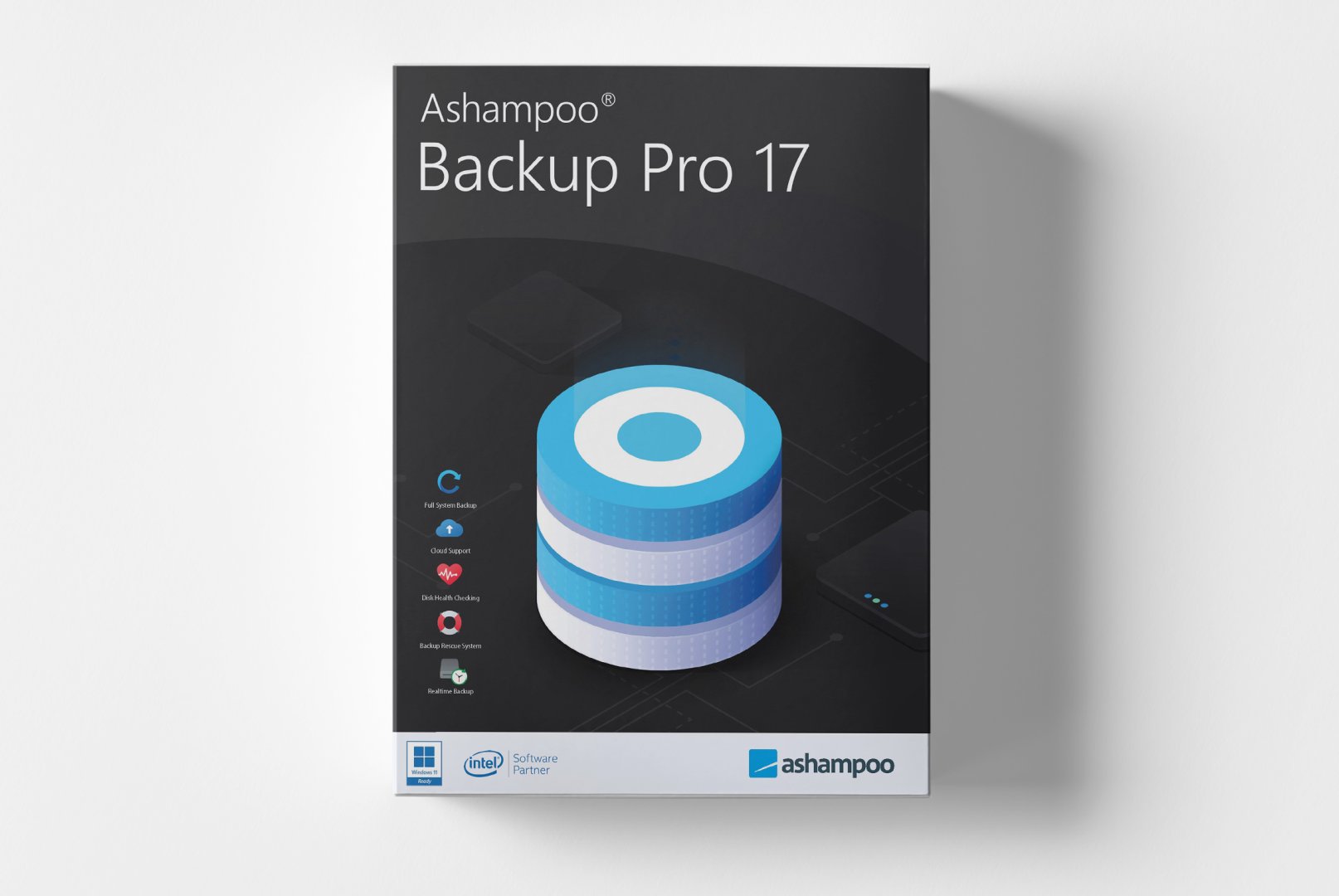
Ashampoo Backup Pro 17: Professional Backup Software for Comprehensive Data Protection
In an increasingly digital world, reliable backup software is essential for protecting valuable data. Ashampoo Backup Pro 17 meets this need with a fully equipped solution that combines both basic and advanced backup functions in an intuitive application. This backup software allows seamless backup of individual files, complete partitions, or entire systems with a reliability that makes a difference in critical situations. With Ashampoo Backup Pro 17, you have all the tools needed to comprehensively protect your digital assets and quickly restore them in case of emergencies.
Powerful Backup Features for Complete Data Protection
Ashampoo Backup Pro 17 integrates all the essential tools you need for professional data protection. This backup software is designed to simplify complex backup strategies while offering maximum flexibility. From straightforward file backups to complete system image creation, every function is optimized for user-friendliness and efficiency.
Complete System Image Backups
Create complete images of your
Windows system partition including the operating system, programs, and all settings. This backup software allows you to back up running systems without interrupting your work. In case of hardware failure or system crashes, you can restore your entire system in no time. Images can be restored directly from bootable rescue media, minimizing critical downtime. The built-in compression significantly reduces the required storage space.
Automatic File and Folder Backup
Set up flexible backup plans for important files and folders. This backup software automatically monitors changes and creates incremental backups that only save modified data. This not only saves storage space but also valuable time. The software supports backup to local drives, network shares, cloud storage, and FTP servers. Advanced filter options allow targeted selection of specific file types or exclusion of unwanted data from backups.
Encryption and Data Security
Protect your backups with strong AES-256 encryption against unauthorized access. This backup software ensures that sensitive data remains secure even on external storage media or in the cloud. Encryption occurs during the backup process, preventing the creation of unprotected temporary files. Additional security features include password protection, digital signatures for backup integrity verification, and the ability to protect backups against tampering.
Versatile Applications for Different Users
Ashampoo Backup Pro 17 is applicable in various scenarios, supporting different users in their backup tasks. This flexible backup software adapts to your individual requirements and provides the right tools for every situation.
- Complete system backup for home users and small offices
- Automatic backup of important business documents and projects
- Data protection for family photos, videos, and personal memories
- Migration to new hard drives or SSDs using system images
- Regular backup of email archives and contact data
- Protection against ransomware and other cyber threats
Intuitive Operation for Efficient Backup Processes
The workflow with Ashampoo Backup Pro 17 begins with selecting the type of backup via the clearly structured main menu. The backup software offers predefined profiles for common scenarios such as complete system backup, file backup, or specific application data. An intuitive wizard guides you step-by-step through the configuration, explaining each option in understandable language. Once the first backup is configured, the software automatically handles regular execution in the background.
The clear user interface displays the status of all backup jobs at a glance and proactively alerts you to issues. For restoration processes, the backup software offers a separate mode, which can be started both from
Windows and from bootable rescue media. The integrated preview function allows you to browse backup archives and selectively restore individual files without a complete restore. Particularly useful is the ability to mount backups directly in Windows Explorer and browse them like regular drives.
Optimized Performance and Resource Use
To ensure smooth operation without system slowdowns, Ashampoo Backup Pro 17 uses advanced resource management technologies. The backup software automatically adjusts its speed to current system load and pauses during resource-intensive applications. The Volume Shadow Copy Service integration allows backup of open files without interfering with ongoing work. For large amounts of data, intelligent compression optimizes transmission times and reduces required storage space by up to 70%.
System Requirements for Ashampoo Backup Pro 17
For smooth operation and optimal performance, we recommend the following system requirements. The backup software is designed for compatibility and stability to ensure reliable operation.
| Component | Minimum Requirements | Recommended Requirements |
|---|
| Operating System | Windows 10 (64-Bit) | Windows 10 / 11 (64-Bit) |
| Processor | Intel Core i3 or AMD equivalent | Intel Core i5 or AMD Ryzen 5 |
| RAM | 4 GB RAM | 8 GB RAM or more |
| Graphics Card | DirectX 9.0 compatible | DirectX 11 compatible graphics card |
| Hard Disk Space | 500 MB free space | 1 GB free space on SSD |
| Supported File Systems | NTFS, FAT32, exFAT, ReFS |
| Internet Connection | Required for activation and updates |
Performance Optimization for Large Backups
To work efficiently with large amounts of data, we recommend meeting the recommended system requirements. Sufficient RAM significantly speeds up processing of large files, while an SSD dramatically enhances backup creation and restoration processes. For users regularly working with data volumes over 1 TB, additional RAM improves system stability and compression speed noticeably.
Your Benefits When Buying at softwareshop24.com
As a customer of
softwareshop24.com, you benefit from a transparent purchasing process and reliable service for your software needs.
Immediate Delivery
The product code will be provided to you immediately in your customer account and sent via email concurrently.
Permanent Use
Permanent version without subscription - buy once, use indefinitely without hidden costs.
Genuine Software
You will receive an original Ashampoo product key with full manufacturer support and update rights.
Start Your Professional Data Protection Now
Ashampoo Backup Pro 17 offers the ideal solution for anyone looking to comprehensively protect their digital data. This backup software combines essential functions for system backup, file backup, and data recovery in a user-friendly application. The solution eliminates the complexity of professional backup strategies and provides an integrated platform for complete data protection workflows. With Ashampoo Backup Pro 17, you not only gain security but also save time through automated processes and reliable monitoring.
The combination of powerful backup technology, user-friendly operation, and comprehensive recovery options makes Ashampoo Backup Pro 17 the top choice for demanding data protection. Whether you want to protect personal data as a private user or secure important business information as a small business owner, this backup software provides the tools and reliability needed for genuine data protection.



 Español
 Deutsch
 English
 Română
 Français
 Italiano
 Norsk
Norsk
 Svenska
 Nederlands
 Polski
 Türkçe
 Dansk
Dansk
 Čeština
 Suomi
Suomi
 Bahasa Indonesia
 Português (Brasil)
 Русский
 한국어
한국어
 العربية
 فارسی
فارسی
 हिन्दी
 Bahasa Melayu
 Tiếng Việt
 ไทย
ไทย
 Українська
 Български
 Српски
 Hrvatski
 עברית
עברית
 Ελληνικά
 Magyar
 Lietuvių
 اردو
اردو