Log In
softwareshop24.com
softwareshop24.com

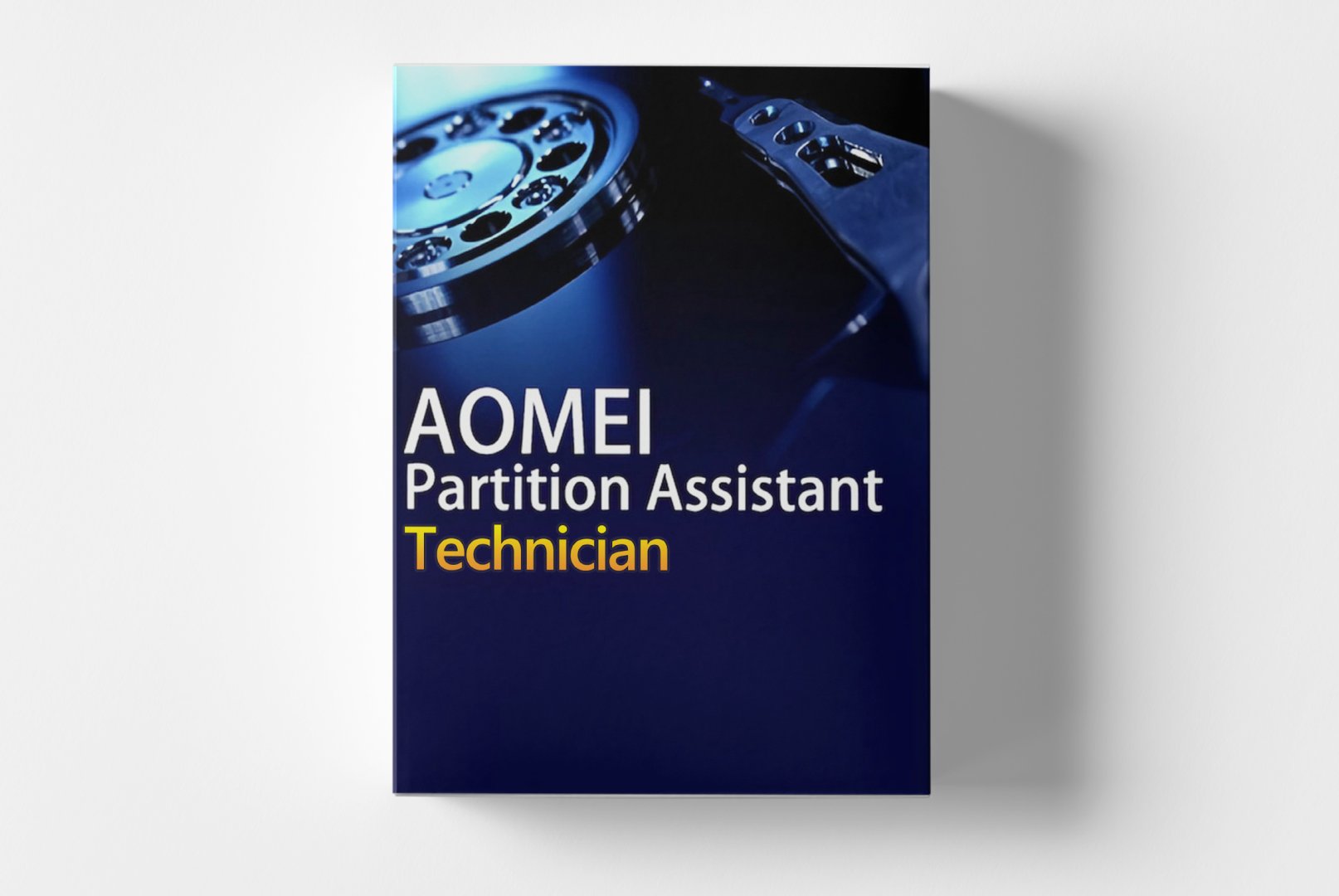
AOMEI Partition Assistant Technician Edition 8.5 (PC) - Lifetime

star star star star star_half
4,5 (245)
24,99 €
incl. 19,00% VAT

AOMEI Partition Assistant Technician 8.5 - Comprehensive Disk Management for IT Professionals

The AOMEI Partition Assistant Technician Edition 8.5 equips IT experts and technicians with powerful tools for professional disk management. Manage partitions, migrate operating systems, and optimize storage space without data loss. This comprehensive solution supports unlimited computers in commercial environments, making it ideal for IT service providers, system administrators, and technical teams.
  • email Sofortversand per E-Mail: Produktschlüssel, Anleitung, Download, Rechnung
  • download Vollversion mit sofortigem Download
  • event_available Kein Abo, keine Laufzeitbegrenzung
  • support_agent 24/7 Support bei Installation & Aktivierung
  • verified_user Aktivierung online oder telefonisch
Currently viewed: 9 In carts: 5

Condition: New

Availability: Disponible de inmediato

SKU: AOMEI-PARTIT-ASSIST-TECHNI

Article number: 375

Type: code

Teilen:

AOMEI Partition Assistant Technician 8.5: Professional Partitioning Software for IT Experts

The AOMEI Partition Assistant Technician Edition 8.5 is the ultimate solution for IT professionals needing comprehensive control over disk partitions. This powerful software enables disk and partition management without data loss and offers features specifically designed for technicians. With the Technician Edition, you can manage unlimited computers in commercial environments and benefit from advanced features for complex IT infrastructures.

Powerful Features for Professional Disk Management

The AOMEI Partition Assistant Technician Edition 8.5 combines user-friendly operation with professional partitioning capabilities. The software provides comprehensive tools for the daily tasks of IT technicians and system administrators, from basic partitioning tasks to complex disk operations.

Advanced Partitioning Operations

Perform complex partitioning tasks, including resizing, moving, merging, and splitting partitions without data loss. The software supports all common file systems like NTFS, FAT32, EXT2/3/4, optimizing the partition structure for maximum performance.

Operating System Migration

Migrate Windows operating systems from HDD to SSD or larger disks without reinstallation. The intelligent migration algorithm transfers the entire system, including all settings, programs, and files, saving significant time during hardware upgrades.

Bootable Media Creation

Create comprehensive bootable media on USB drives, CDs/DVDs, or ISO files. This enables partitioning and disk management even on non-bootable systems, which is particularly valuable during recovery operations and system restorations.

Diverse Application Areas for IT Professionals

The AOMEI Partition Assistant Technician Edition 8.5 is applicable in numerous professional IT environments, assisting technicians with various system management and maintenance tasks.
  • IT service providers and Managed Service Providers
  • System administration in companies
  • Computer workshops and repair services
  • Hardware upgrades and SSD migrations
  • System recovery and data rescue
  • Disk optimization and storage management

Efficient Workflow for Technical Tasks

The typical workflow with AOMEI Partition Assistant Technician begins with analyzing the existing partition layout. The software clearly displays all connected disks and identifies optimization opportunities. Before any operation, you can preview the planned changes and adjust as needed. The intuitive interface provides both assistants for beginners and advanced options for experienced technicians. Operations are queued and executed only after explicit confirmation, maximizing control and safety. The software supports execution in Windows PE mode for offline partitioning.

Important Note on Data Security

While AOMEI Partition Assistant is designed for data-safe operations, we always recommend creating current backups before extensive partitioning tasks. Use the built-in feature to create system images for additional security.

System Requirements for AOMEI Partition Assistant Technician 8.5

For smooth operation of AOMEI Partition Assistant Technician Edition 8.5, the following system requirements should be met. The software is optimized for use in various Windows environments.
ComponentMinimum RequirementsRecommended Requirements
Operating SystemWindows VistaWindows 10/11
Processor500 MHz or faster1 GHz or faster
RAM512 MB RAM2 GB RAM or more
GraphicsSVGA with 800x600 resolution1024x768 or higher
Disk Space200 MB free space500 MB free space
Internet ConnectionOptional for activation and updates
Supported File SystemsNTFS, FAT32, EXT2/3/4, exFAT

Performance Recommendation for Large Disks

For optimal performance when working with large disks (4 TB and above), we recommend at least 4 GB RAM and an SSD as the system disk. Close resource-intensive applications before partitioning operations.

Your Advantages When Buying from softwareshop24.com

As a customer of softwareshop24.com, you benefit from a transparent purchasing process and reliable service for your IT software.

Immediate Delivery

The product code will be immediately provided in your account after purchase and sent via email simultaneously.

Lifetime Use

AOMEI Partition Assistant Technician 8.5 as a permanent version without subscription - one-time purchase, lifetime use with free updates.

Original Software

You receive an original product key from the manufacturer with full support and update rights for the Technician Edition.

Optimize Your IT Services with Professional Partitioning Software

The AOMEI Partition Assistant Technician Edition 8.5 provides IT professionals with the tools needed to perform disk management efficiently and securely. With the ability to manage unlimited computers in commercial environments, this software represents an economical solution for IT service providers and businesses. The comprehensive features save valuable time on routine tasks and complex migrations. With a permanent license without subscription costs, you invest once in reliable software that will enhance your IT processes in the long term. Regular updates and professional support from AOMEI ensure that you will always work with a modern and compatible solution.