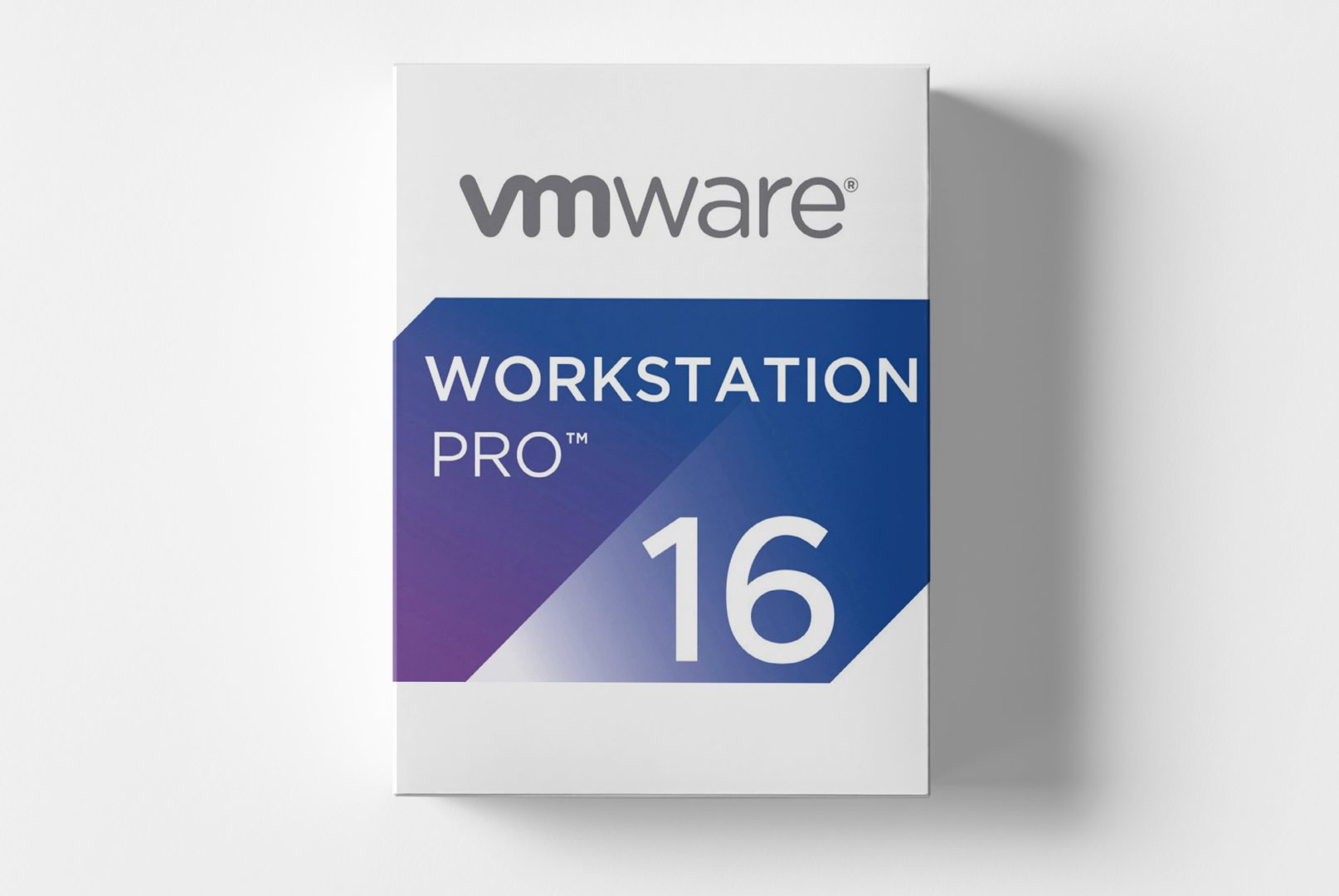
VMware Workstation 16 Pro: Enterprise Virtualization Software for Professional Applications
As industry-leading virtualization software, VMware Workstation 16 Pro provides comprehensive capabilities for creating, managing, and running virtual machines. Developers, IT administrators, and technology experts use this solution to simulate complex IT infrastructures on a single system, test software in isolated environments, and run various operating systems in parallel.
Comprehensive Virtualization Features for Professional Needs
VMware Workstation 16 Pro sets new standards in performance and functionality. The software integrates advanced virtualization technologies specifically designed for demanding deployment scenarios.
Complete Operating System Support
Create virtual machines with the latest
Windows 11,
Windows 10, Windows Server, and numerous Linux distributions. The virtualization software supports over 200 guest operating systems and offers optimized templates for rapid deployment.
Advanced Snapshots and Cloning
Take snapshots of your virtual machines at any point. The snapshot feature allows easy reversion to previous states, while cloning provides complete copies for test and development environments.
Virtual Network Configuration
Configure complex network environments with virtual switches, NAT, and Bridged Networking. Simulate real network topologies for comprehensive testing and development scenarios without additional hardware.
DirectX 11 and OpenGL 4.1 Support
Utilize hardware-accelerated 3D graphics in virtual machines. Support for
DirectX 11 and OpenGL 4.1 enables graphics-intensive applications, game development, and CAD software in virtualized environments.
Diverse Applications in IT and Development
VMware Workstation 16 Pro finds applications in various professional environments and supports different workflows.
- Software development and testing in isolated environments
- IT training and demos with preconfigured systems
- Running legacy software on modern hardware platforms
- Security testing and penetration testing in controlled environments
- Multi-platform development and cross-browser testing
Efficient Workflows with Professional Virtualization Tools
The workflow with VMware Workstation 16 Pro begins with creating a new virtual machine through the intuitive wizard. Choose the desired guest operating system, allocate hardware resources, and install the operating system just like on a physical computer.
The central management interface provides clear access to all virtual machines. Drag & Drop functionality, shared folders, and integrated copy & paste between host and guest significantly simplify daily workflows. Preconfigured virtual appliances accelerate the deployment of complete software stacks.
Optimized Resource Utilization
The Memory Compression technology reduces physical memory requirements by up to 40%, while intelligent CPU management optimally distributes host resources. Activate the suspend function for quick switching between different work environments.
System Requirements for VMware Workstation 16 Pro
To ensure smooth use and optimal performance, the following system requirements should be met:
| Component | Minimum Requirements | Recommended Requirements |
|---|
| Operating System | Windows 10 64-bit | Windows 10 / 11 64-bit or Linux |
| Processor | 64-bit x86 Intel Core or AMD | Intel Core i5/i7 or AMD Ryzen 5/7 |
| Memory | 4 GB RAM | 16 GB RAM or more |
| Graphics Card | DirectX 10 compatible | NVIDIA or AMD with 2 GB VRAM |
| Disk Space | 2 GB free space | 20 GB SSD space per VM |
| Virtualization | Intel VT-x or AMD-V enabled in BIOS |
| Supported Guest OS | Windows, Linux, BSD, Solaris, other x64 OS |
Performance Optimization for Virtual Machines
For optimal performance with multiple simultaneous virtual machines, we recommend meeting the suggested system requirements. An SSD significantly speeds up boot times, while sufficient RAM significantly increases workload capacity.
Your Advantages When Purchasing at softwareshop24.com
As a customer of
softwareshop24.com, you benefit from a transparent purchasing process and reliable service.
Direct Provisioning
You will receive the product code immediately after purchase in your customer account and sent via email.
Permanent Use
Permanent version without subscription - buy once, use forever without hidden costs.
Original Software
You will receive an original VMware product key with full manufacturer support and update rights.
Enterprise Features
Complete professional version with all enterprise features for demanding virtualization projects.
Start Now with Professional Virtualization
VMware Workstation 16 Pro offers the most comprehensive solution for professional virtualization requirements. With its mature technology, extensive operating system support, and powerful management features, this software is the ideal platform for developers, IT professionals, and technology enthusiasts.
The combination of stability, performance, and user-friendly operation makes VMware Workstation 16 Pro the first choice for demanding virtualization projects. Whether for software development, testing, training, or complex IT infrastructures, this virtualization software provides the necessary flexibility and control for successful projects.