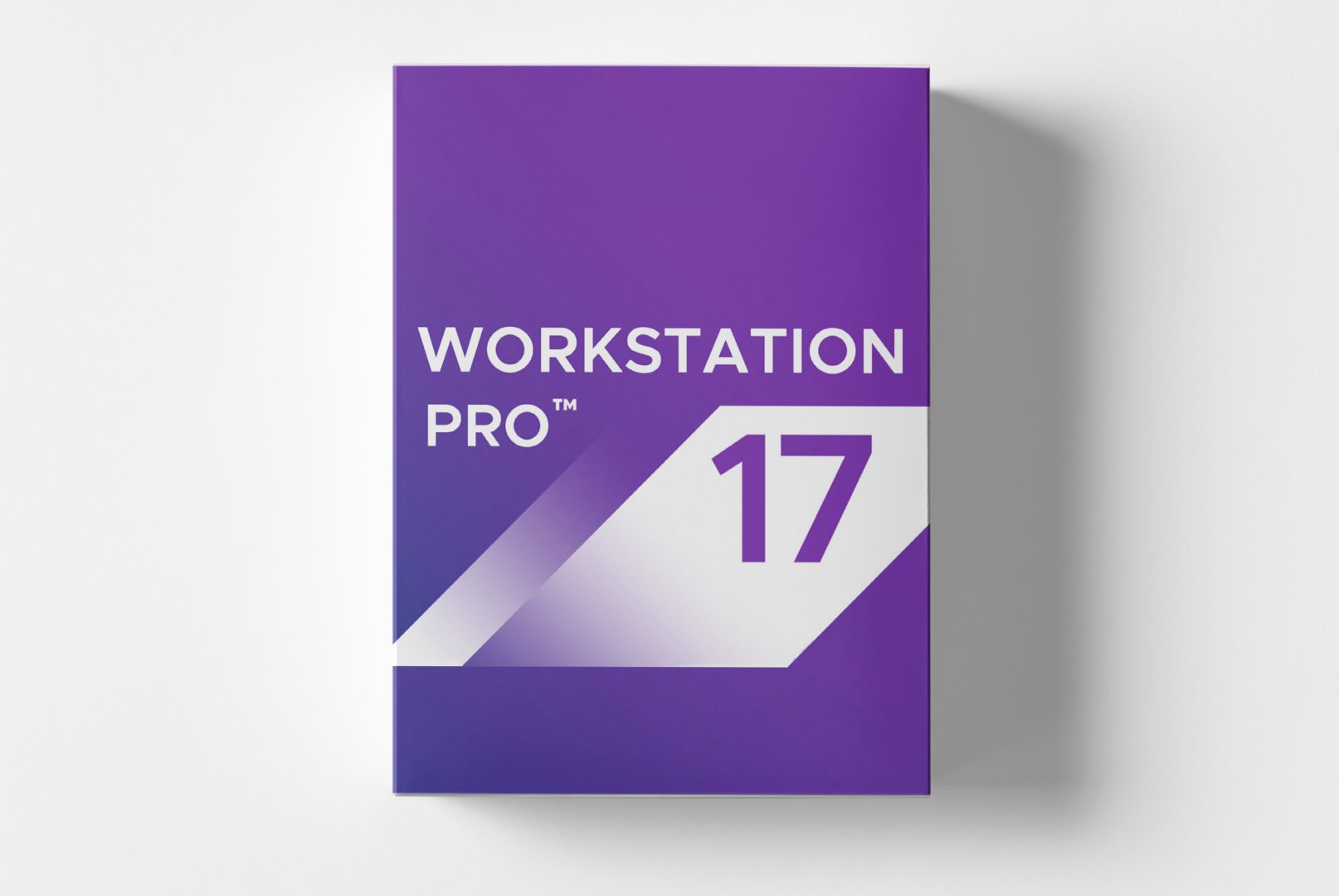
VMware Workstation 17 Pro: Enterprise Virtualization for Professionals
VMware Workstation 17 Pro sets the standard for desktop virtualization, providing IT professionals, developers, and businesses with a robust platform for running multiple operating systems on a single hardware setup. This proven version brings enhanced hardware support, improved security features, and optimized performance for modern workloads. With VMware Workstation 17 Pro, you can create isolated development environments, test software configurations, and demonstrate complex systems without additional hardware investments while maximizing flexibility and control.
Core Features for Professional Virtualization
VMware Workstation 17 Pro integrates advanced virtualization technologies into a user-friendly interface. The software is designed specifically for technical professionals who require reliable and powerful virtualization solutions for their daily workflows, with a focus on stability.
Enhanced Hardware Support
Version 17 supports
Windows 11,
Windows 10, and current Linux distributions including Ubuntu 22.04. The improved hardware compatibility includes modern processors, larger memory configurations up to 128 GB RAM per VM, and expanded storage options for demanding virtualization scenarios in development and testing.
Complete Isolation and Security
Each virtual machine runs in a fully isolated environment, enabling safe testing of applications and system configurations. Advanced security features protect against accidental system changes, offering controlled testing environments for critical software development and security analysis.
Powerful Snapshots and Cloning
The enhanced snapshot system allows you to capture the complete system state at any time. You can easily switch between different configurations, repeat tests, and quickly restore systems after errors. Integrated cloning tools speed up the creation of identical test environments.
Diverse Applications Across Various Domains
VMware Workstation 17 Pro is utilized in numerous professional environments where reliable virtualization solutions are required. The software supports different workflows and needs across various technical disciplines and industries.
- Software development and testing on multiple platforms and configurations
- IT training and demo environments for customer presentations and workshops
- Quality assurance and test automation in CI/CD pipelines
- Legacy system support and application migrations between operating systems
- Security research, penetration testing, and malware analysis
- Academic training and technical education in educational institutions
Intuitive Management and Efficient Workflows
Installing VMware Workstation 17 Pro is straightforward and guides you through an optimized setup process. The modern user interface offers both wizards for newcomers and advanced configuration options for experienced virtualization experts with specific performance and functionality requirements.
The central management dashboard allows for clear administration of all virtual machines, including performance monitoring, resource allocation, and network configuration. The drag-and-drop functionality simplifies file sharing between host and guest systems, while integrated cloning tools enable the duplication of complete systems in seconds. VCenter integration allows seamless management of larger virtualization infrastructures.
Tip for Optimal Performance
To achieve the best performance, enable virtualization technology in your BIOS/UEFI. Allocating sufficient RAM resources and using SSD storage significantly speeds up virtual machine operations. Use resource monitoring to identify and resolve bottlenecks early.
System Requirements for VMware Workstation 17 Pro
VMware Workstation 17 Pro has demanding requirements for host hardware to ensure optimal performance. For smooth operation of multiple virtual machines, we recommend adhering to the recommended system requirements, especially for resource-intensive workloads.
| Component | Minimum Requirements | Recommended Requirements |
|---|
| Operating System | Windows 10 64-bit | Windows 11 64-bit or Windows Server 2022 |
| Processor | 64-bit x86 Intel Core or AMD Processor | Multi-core processor with 3.0 GHz or higher |
| Memory | 4 GB RAM | 16 GB RAM or more |
| Graphics Card | DirectX 11 compatible graphics card | NVIDIA or AMD graphics card with 2 GB VRAM |
| Hard Disk Space | 2 GB free storage | 20 GB free SSD storage |
| Virtualization Support | Intel VT-x or AMD-V in BIOS/UEFI required |
| Internet Connection | Required for activation and product updates |
Performance Optimization
For maximum virtual machine performance, configure adequate dedicated memory for each VM and use virtual disks on SSD drives. The memory ballooning technology automatically optimizes RAM usage across running virtual machines. Disable unnecessary guest extensions for reduced overhead.
Your Benefits When Buying from softwareshop24.com
As a customer of
softwareshop24.com, you benefit from a transparent purchasing process and reliable service for your virtualization projects and professional needs.
Direct Provisioning
The product code will be immediately provided to you in your customer account after purchase and sent via email.
Permanently Valid Enterprise Code
You will receive a permanent professional product code without subscription or recurring costs - a one-time investment for long-term professional use.
Original Software
You will receive an original product key from the manufacturer with full functionality and permission for productive use in business environments.
Transform Your PC into a Powerful Virtualization Platform
VMware Workstation 17 Pro offers a proven and stable virtualization solution for those who value professional performance and permanent usage rights. With this enterprise-class software, you can handle complex virtualization tasks without compromising performance, reliability, or compatibility.
The combination of enhanced hardware support, robust security features, and intuitive management makes VMware Workstation 17 Pro the top choice for technical professionals needing a reliable desktop virtualization solution for development, testing, and demo environments. Choose now for professional virtualization expertise without subscription commitments.