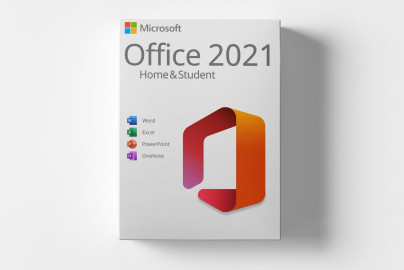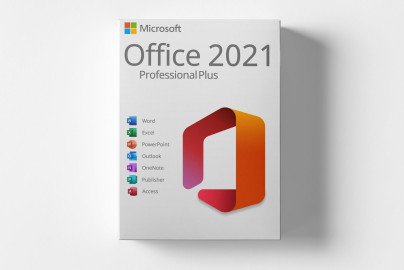
Microsoft Office 2021 Professional Plus: The Ultimate Office Solution for Lasting Productivity
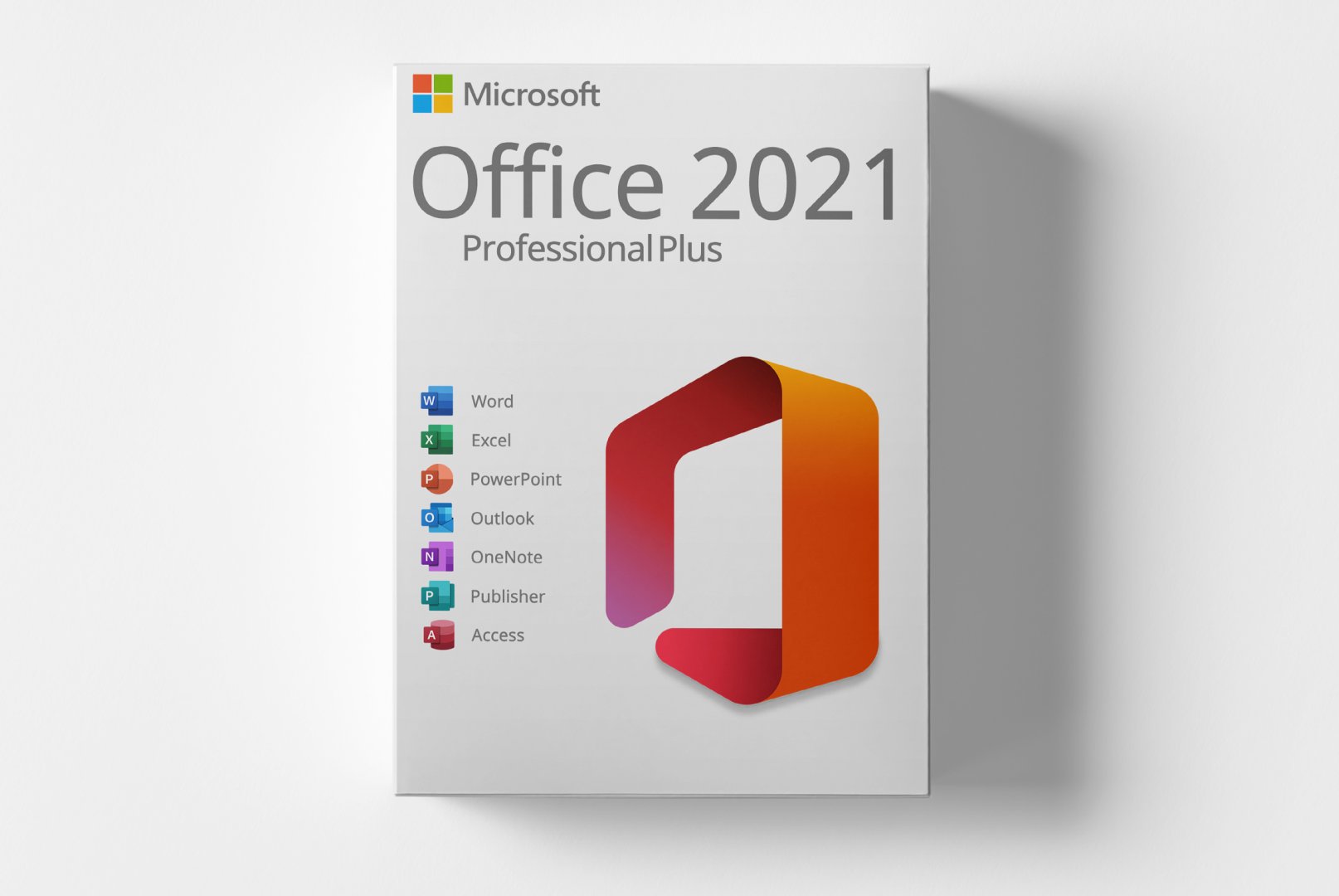
Microsoft Office 2021 Professional Plus represents the premium version of the renowned office suite, specially designed for businesses, freelancers, and discerning private users. With this lifetime product code, you gain access to all core applications without monthly subscription fees. The suite combines proven features with new innovations for enhanced productivity and more efficient workflows in modern professional environments.
Comprehensive Features for Professional Needs
Microsoft Office 2021 Professional Plus integrates powerful applications specifically optimized for demanding business requirements. Each component offers advanced functionalities that go beyond standard versions, supporting professionals in complex tasks.
Word 2021 - Professional Document Creation
Create stunning documents with advanced formatting options, enhanced collaboration features, and intelligent writing aids. The improved editing tools allow precise layout adjustments for business documents, contracts, and reports.
Excel 2021 - Powerful Data Analysis
Tackle complex data analyses with new features like XLOOKUP, dynamic arrays, and advanced chart options. Enhanced data visualization and computation performance assist you in financial analyses, reporting, and strategic planning.
PowerPoint 2021 - Compelling Presentations
Create professional presentations with advanced animation and transition effects. The improved design ideas and templates help craft visually appealing slides for meetings, training sessions, and client presentations.
Outlook 2021 - Efficient Email Management
Manage emails, calendars, and contacts with advanced organizational features. The improved filtering options and optimized user interface support effective time management and professional communication.
Publisher 2021 - Professional Desktop Publishing
Design marketing materials, brochures, and newsletters with specialized design tools. The extensive templates and precise layout options enable professional print products without external design agencies.
Access 2021 - Database Management
Develop powerful database applications with advanced querying and reporting features. The improved templates and design tools support the creation of professional database solutions for business processes.
Diverse Applications for Various User Groups
Microsoft Office 2021 Professional Plus is suitable for numerous professional environments and use cases. The suite offers specific advantages for different industries and job profiles.
- Companies and organizations for internal documentation and communication
- Freelancers for proposal writing and client correspondence
- Educational institutions for teaching materials and presentations
- Government entities for official correspondence and reporting
- Marketing departments for presentations and promotional materials
- Finance departments for budget planning and financial analyses
Optimized Workflows and Efficient Setup
Installing and setting up Microsoft Office 2021 Professional Plus is straightforward and quick. After receiving your product code, you can download and install the software directly from Microsoft servers. The activation process occurs online and takes just a few minutes.
The modern user interface offers intuitive operation with improved search functions and context-sensitive menu options. Cloud integration allows seamless work across different devices, while offline functionality ensures full productivity without an internet connection.
Installation Note for Optimal Performance
For a smooth installation, we recommend temporarily disabling all antivirus programs. Ensure there is sufficient disk space available and a stable internet connection for the download. Activation requires a one-time internet connection.
System Requirements for Microsoft Office 2021 Professional Plus
Microsoft Office 2021 Professional Plus runs smoothly on modern
Windows systems. The following requirements ensure optimal performance and user experience.
| Component | Minimum Requirements | Recommended Requirements |
|---|
| Operating System | Windows 10, Windows 11 | Windows 11 (64-Bit) |
| Processor | 1.6 GHz, 2 cores | 2.0 GHz, 4 cores or better |
| RAM | 4 GB RAM | 8 GB RAM or more |
| Graphics Card | DirectX 9 or higher | DirectX 12 with WDDM 2.0 |
| Disk Space | 4 GB available storage | 10 GB SSD storage |
| Internet Connection | Required for download, activation, and updates |
| Display | 1280 x 768 screen resolution (1920 x 1080 recommended) |
Performance Optimization for Best Results
For optimal performance, we recommend installation on an SSD and regular installation of available updates via the integrated update mechanism. Close other resource-intensive applications during installation to avoid processor conflicts.
Your Advantages When Buying at softwareshop24.com
As a customer of
softwareshop24.com, you benefit from a transparent purchasing process and reliable service.
Direct Delivery
The product code will be made available to you immediately in your customer account and sent via email.
Permanent Use
Microsoft Office 2021 Professional Plus is a lifetime version with no subscriptions. Buy once, use for life.
Original Software
You will receive an original product key from the manufacturer with full support and update rights.
Professional Office Solution with Lasting Value
Microsoft Office 2021 Professional Plus offers a future-proof investment in your digital productivity. With the permanent product code, you avoid recurring subscription costs and maintain full control over your office software. The advanced features support you in challenging professional tasks and sustainably increase your efficiency.
The combination of proven reliability and modern innovations makes this suite the ideal choice for professionals who value performance and economical use. Choose the comprehensive solution that meets your work requirements today and in the future.