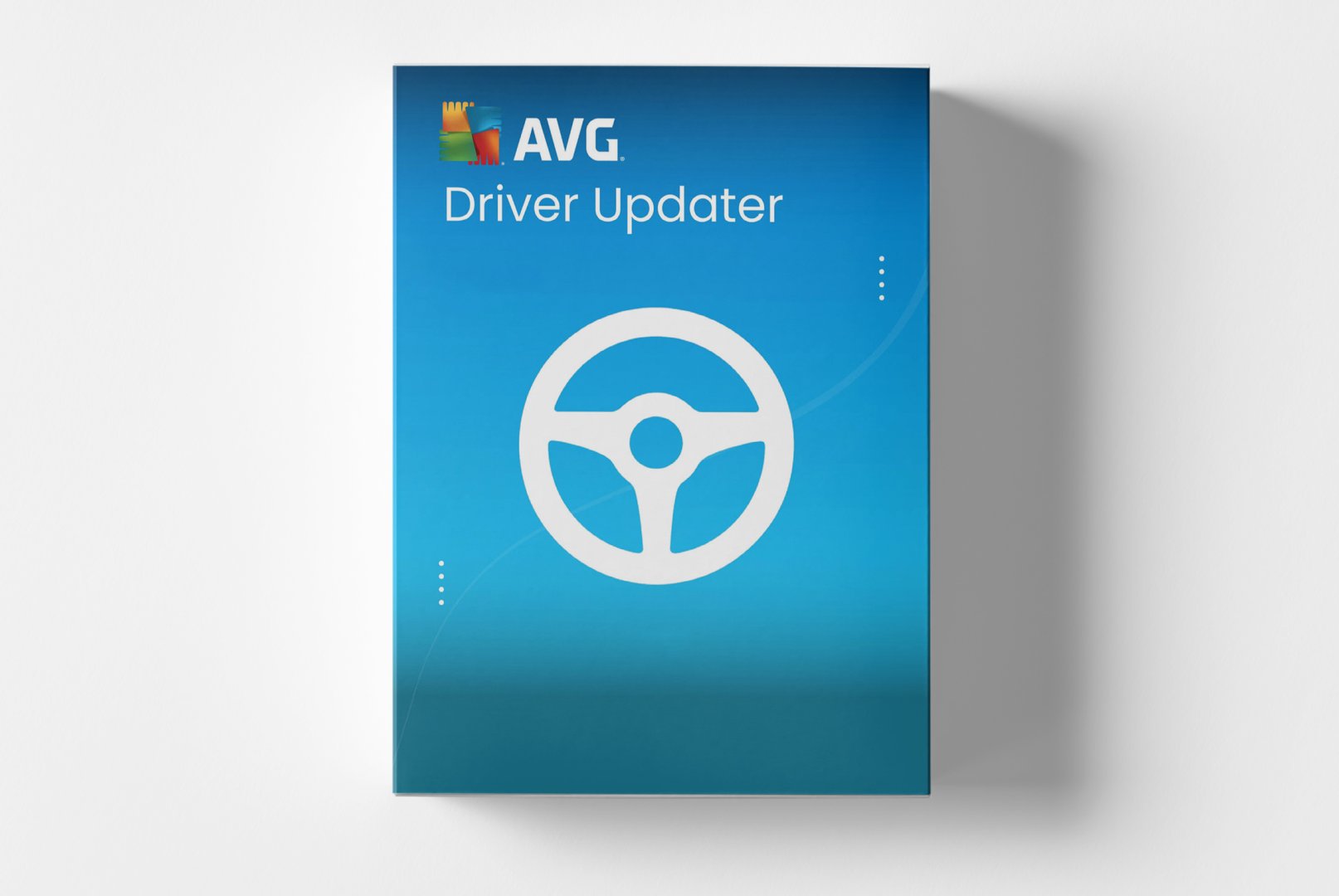
AVG Driver Updater: Optimal PC Performance through Current Device Drivers
AVG Driver Updater is a specialized solution for automatic maintenance and updating of your system drivers. This software proactively identifies outdated, incompatible, or corrupted device drivers, which are often the cause of system instability, performance problems, and hardware incompatibilities. With AVG Driver Updater, you keep all drivers on your system up to date, resulting in improved hardware performance, enhanced system stability, and better compatibility with new software—all automatically and without technical knowledge.
Core Features for Reliable Driver Management
AVG Driver Updater combines comprehensive scanning technologies with a vast driver database and intelligent installation routines. The software is designed to automate the complex task of driver management while ensuring maximum security through extensive backup features.
Comprehensive System Scan
The software analyzes your entire system, identifying all installed hardware components including graphics cards, sound chips, network adapters, printers, and input devices. The intelligent scan compares each driver version with the latest available version in the database and generates a detailed report on outdated, missing, or problematic drivers.
Automatic Driver Updates
AVG Driver Updater automatically downloads and correctly installs the appropriate and tested driver versions for your hardware. The software considers your specific operating system and hardware model. Intelligent installation routines ensure smooth installation without conflicts with existing drivers or system components.
Secure Backup Features
Before each driver installation, the software automatically creates a complete backup of existing drivers. In case of problems, you can always revert to a previous driver standard. Additionally, system restore points are created to ensure maximum safety for all changes to your system.
Diverse Applications for Various Users
AVG Driver Updater is suitable for different user groups who value stable system performance and reliable hardware functionality. The software offers specific advantages in various application scenarios.
- Performance optimization for gaming PCs with current graphics card drivers
- Stability enhancement for older systems with outdated drivers
- Troubleshooting for hardware conflicts and incompatibilities
- Time savings in maintaining business computers
- Optimal driver supply after Windows updates or reinstallation
- Simplified driver management for less tech-savvy users
Easy Operation and Automated Workflows
Installing AVG Driver Updater is straightforward and guides you through a structured setup process. After activating your product code, the software automatically starts with a full system scan, analyzing all hardware components and their driver status.
The clear dashboard presents scan results in a well-structured overview, displaying outdated drivers, missing drivers, and recommended updates. Easy one-click functions allow for the installation of all recommended updates or selective updating of specific drivers. The software provides regular automatic scans and notifies you when new driver updates are available.
Tip for Optimal Results
Always perform a complete system backup before extensive driver updates. Schedule larger driver updates for times when you do not urgently need the computer. After critical driver updates (especially graphics card drivers), thoroughly test system stability before deleting old driver backups.
System Requirements for AVG Driver Updater
AVG Driver Updater is compatible with the most common Windows versions and has moderate requirements for your system hardware. For optimal performance and reliable driver detection, we recommend adhering to the suggested system requirements.
| Component | Minimum Requirements | Recommended Requirements |
|---|
| Operating System | Windows 10 | Windows 11 |
| Processor | 1 GHz Processor | Modern Multi-core Processor |
| RAM | 1 GB RAM | 4 GB RAM or more |
| Disk Space | 500 MB Free Disk Space | 2 GB Free Disk Space |
| Internet Connection | Required for driver scans, downloads, and updates |
| Administrator Rights | Required for driver installation and system changes |
Performance Optimization
For best results, perform regular driver scans, especially after Windows updates or when installing new hardware. AVG Driver Updater works most efficiently with a stable internet connection, as the driver database is continuously updated. Disable other running applications during driver installation for conflict-free updates.
Your Advantages When Buying at softwareshop24.com
As a customer of
softwareshop24.com, you benefit from a transparent purchase process and reliable service for your system optimization.
Immediate Provision
The product code will be promptly available in your customer account and sent via email right after purchase.
12 Months of Automatic Updates
You receive 12 months of access to all premium features, including automatic driver updates and regular database updates.
Original Software
You will receive an original product key from the manufacturer with full support and update rights for the entire duration.
Optimize Your Hardware Performance with Current Drivers
AVG Driver Updater offers a specialized solution for anyone who values optimal system performance and hardware stability. With this automated software, you keep your system supplied with the latest drivers, leading to noticeably better performance, increased stability, and fewer system issues.
The combination of comprehensive driver detection, automatic updates, and secure backup features makes AVG Driver Updater the ideal choice for users looking to optimize their system performance without the hassle of manual driver search and installation. Choose now for automated driver maintenance with regular updates and full support.