


Microsoft Office 2016 Professional Plus
0762223223108
18,99 €
 Bahasa Melayu
 Deutsch
 English
 Română
 Français
 Italiano
 Español
 Norsk
Norsk
 Svenska
 Nederlands
 Polski
 Türkçe
 Dansk
Dansk
 Čeština
 Suomi
Suomi
 Bahasa Indonesia
 Português (Brasil)
 Русский
 한국어
한국어
 العربية
 فارسی
فارسی
 हिन्दी
Bahasa Melayu
हिन्दी
Bahasa Melayu
 Tiếng Việt
 ไทย
ไทย
 Українська
 Български
 Српски
 Hrvatski
 עברית
עברית
 Ελληνικά
 Magyar
 Lietuvių
 اردو
اردو

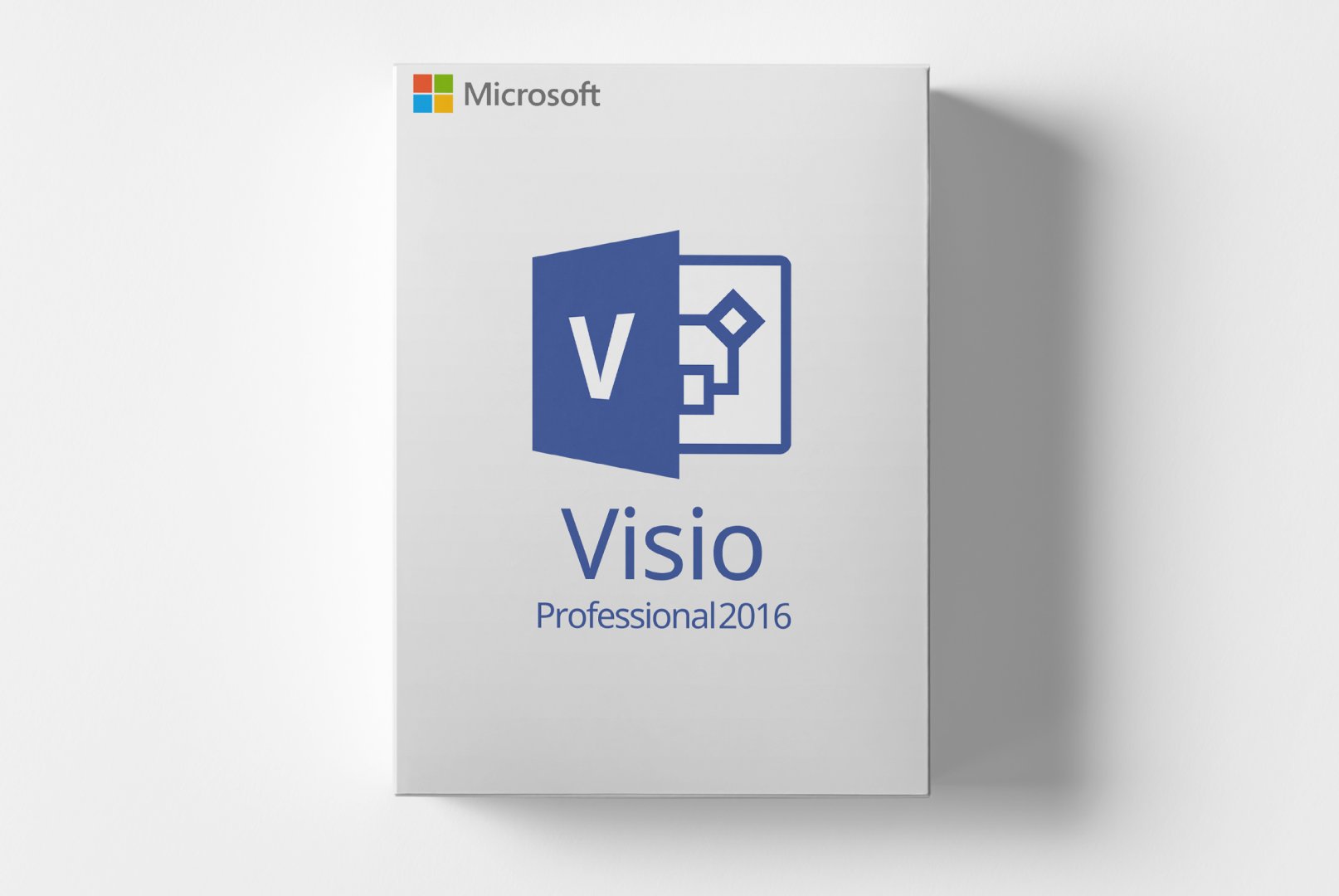
Microsoft Visio 2016 Professional allows you to easily create professional diagrams and flowcharts. This powerful software helps you visually represent and communicate complex information. Ideal for project managers, engineers, and designers.
Keadaan: Baharu
Ketersediaan: Segera Tersedia
SKU: 0885370991246
Nombor artikel: 237
Jenis: code
Rantau:
 Weltweit
Microsoft Visio 2016 Professional is the optimal software for anyone looking to create clear and precise diagrams. Whether flowcharts, organizational charts, or technical drawings – Visio offers you a user-friendly interface and numerous templates that help you communicate complex information effectively. This software is particularly valuable for professionals in project management, engineering, and design who want to visualize their ideas quickly and efficiently.
Microsoft Visio 2016 offers a variety of features that help you visualize your projects efficiently. These features are not only user-friendly but also versatile, providing solutions for various industry needs.
Visio 2016 comes with a comprehensive library of templates and shapes specifically designed for different industries. This greatly simplifies the creation of specific diagrams and saves time.
Thanks to the intuitive drag-and-drop interface, users can quickly create diagrams by simply dragging shapes and elements into place. This allows for rapid customization and design of diagrams.
Cloud integration enables teams to work on diagrams in real-time. This enhances collaboration and ensures that all team members are always up to date.
Microsoft Visio 2016 is suitable for various user groups and offers solutions for numerous application areas:
Using Microsoft Visio 2016 is intuitive and straightforward. Start by selecting a template that fits your project. Customize the diagrams by adding shapes and text. Use the drag-and-drop feature to quickly integrate elements into your diagram. The software allows you to collaborate in real-time with others, so changes can be implemented immediately.
The user experience is marked by an engaging interface and a clear structure. Additionally, numerous tutorials and support resources provide optimal assistance when getting started.
Utilize the built-in templates to get started quickly. This saves time and simplifies the creation of professional diagrams.
To use Microsoft Visio 2016 optimally, please ensure that you meet the following system requirements:
| Component | Minimum Requirements | Recommended Requirements |
|---|---|---|
| Operating System | Windows 7 SP1 or later | Windows 10 |
| Processor | 1 GHz or faster | 2 GHz or faster |
| RAM | 1 GB RAM (32-bit), 2 GB RAM (64-bit) | 4 GB RAM or more |
| Graphics Card | DirectX 10 compatible GPU | DirectX 11 compatible GPU |
| Hard Disk Space | 3 GB of available space | 5 GB of available space |
| Internet Connection | Required for activation, updates, and some features | |
Ensure you always install the latest updates to benefit from the best features and security improvements.
As a customer of softwareshop24.com, you benefit from a transparent purchasing process and reliable service.
The product code will be immediately available in your customer account and sent via email after purchase.
Permanent use without subscription.
You will receive an original product key from the manufacturer with full support and update rights.
Take advantage of the extensive features and user-friendly interface of Microsoft Visio 2016 Professional. This software aids you in easily and effectively visualizing complex information. Ideal for anyone who values professional diagrams.
Experience the benefits of Microsoft Visio 2016 and optimize your workflow today!
0762223223108
0885370991185
659556770181
659556848736
0885370991598
889661080480