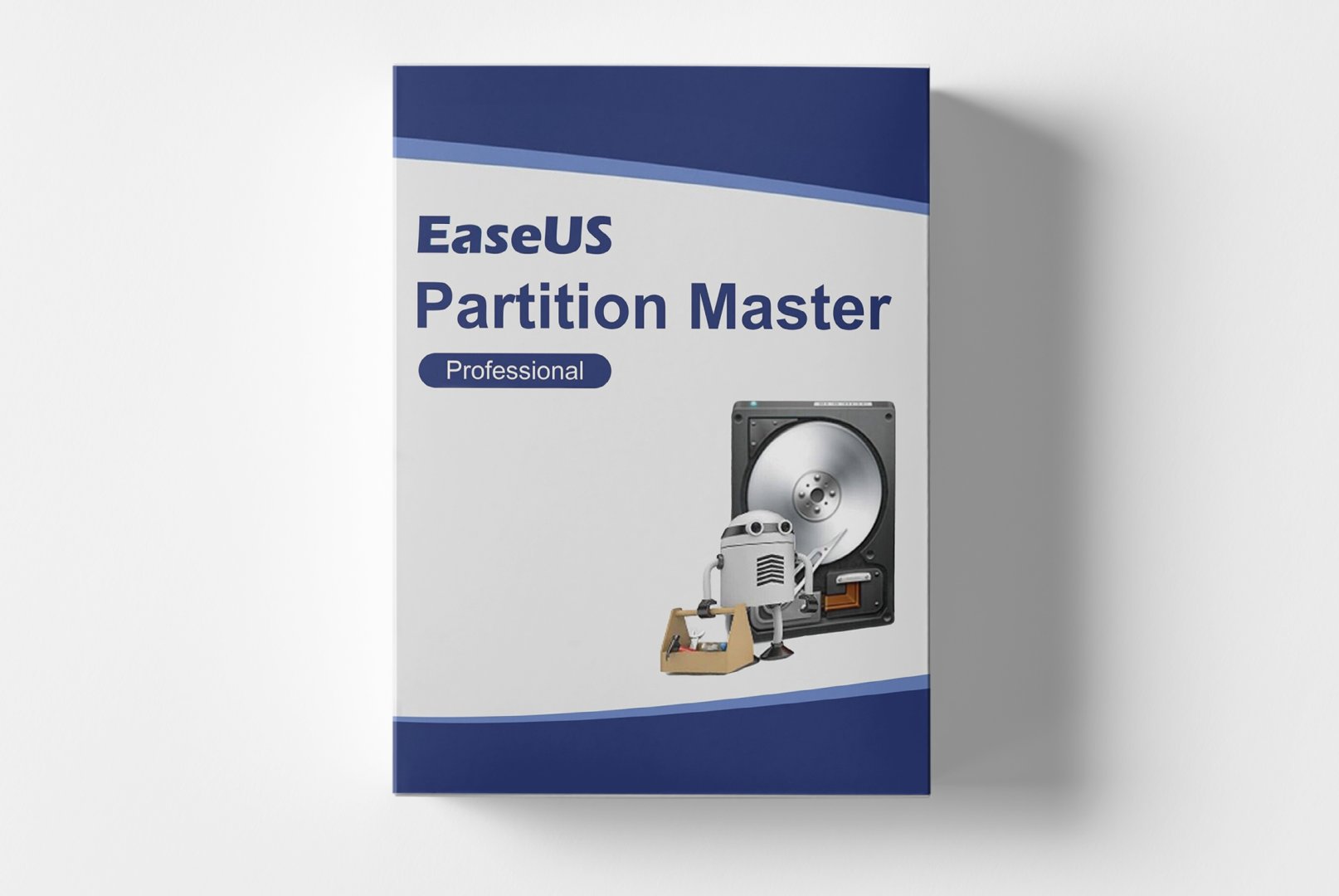
EaseUS Partition Master Professional: Comprehensive Partition Management for Optimal Storage
A reliable partition manager is essential for optimal hard drive capacity utilization and system performance. EaseUS Partition Master Professional meets this requirement with its specialized software solution that covers the complete workflow from basic partitioning to advanced disk management. This professional partition manager enables flexible partition adjustments, secure data migration, and recovery of lost storage areas. With EaseUS Partition Master Professional, users have all the tools needed to organize their storage resources effectively and sustainably improve system performance.
Powerful Management Features for Optimal Storage Utilization
EaseUS Partition Master Professional integrates all essential tools needed for professional management of hard drives and SSDs. This partition manager is designed to simplify complex partitioning tasks while ensuring maximum security for your data. From basic resizing to advanced disk migration, each feature is tailored to meet the specific requirements of demanding storage management.
Flexible Partition Resizing
Dynamically adjust partitions to meet your changing storage needs. This partition manager allows you to enlarge system partitions to create more space for
Windows and applications, as well as shrink drives to free up unused space. The intelligent moving function enables the reorganization of partitions without data loss, while merging adjacent partitions consolidates fragmented space. Particularly practical is the one-click expansion feature that automatically detects free space and intelligently enlarges system partitions. All operations are displayed in a preview before execution.
Secure Disk Cloning and OS Migration
Securely migrate entire operating systems and data to new hard drives or SSDs. This partition manager provides advanced cloning functions for various scenarios: the sector-by-sector clone creates exact copies including hidden partitions, while the intelligent clone only transfers used space, saving time. The operating system migration function automatically transfers
Windows systems to SSDs or larger hard drives without reinstallation. For hardware upgrades, the automatic partition alignment function ensures optimal performance on SSDs. The boot media feature creates bootable USB drives for offline operations.
Advanced Partition Recovery and Conversion
Recover accidentally deleted or lost partitions with a high success rate. This partition manager thoroughly scans disks for lost partitions and restores them along with their data structure. The advanced conversion feature allows switching between different file systems like FAT to NTFS without data loss. The MBR to GPT conversion enables the use of modern UEFI boot systems on older hard drives. For maximum compatibility, the software supports conversion between primary and logical partitions. The integrated surface test function checks disks for physical errors and marks defective sectors.
Versatile Applications for Different Storage Needs
EaseUS Partition Master Professional finds applications in various storage management scenarios, supporting different user groups with their partitioning tasks. The flexible partition manager adapts to your individual needs and provides the right tools for every situation.
- System optimization by enlarging the Windows system partition
- Hardware upgrades with migration from HDD to SSD
- Data recovery for accidentally deleted partitions
- Multi-boot systems with multiple operating systems on one hard drive
- Storage space management for servers and workstations
- Preparation of new hard drives for commissioning
Intuitive Work Environment for Safe Partitioning Operations
The workflow with EaseUS Partition Master Professional begins with a clear overview of all detected disks and partitions in the main interface. This partition manager displays detailed information about capacity, usage, and partition table for each disk. The graphical representation of partitions allows for intuitive understanding of the current storage structure. Before each operation, the software automatically creates a recovery point, enabling a return to the original state in case of issues.
Advanced Security Features and Data Integrity
To ensure maximum data security, EaseUS Partition Master Professional offers advanced protection mechanisms for professional partition management. The software verifies data integrity before each operation and warns of potentially risky actions. The integrated bad sector management function automatically detects and bypasses defective disk areas. For enterprise environments, the batch operations function allows planning multiple partitioning tasks to be executed in a single session. The automatic error correction repairs common partition table errors before they can lead to data loss.
System Requirements for EaseUS Partition Master Professional
For smooth operation and optimal performance, we recommend the following system requirements. This partition manager is designed for stability and compatibility with various hardware configurations.
| Component | Minimum Requirements | Recommended Requirements |
|---|
| Operating System | Windows 7 (32/64-Bit) | Windows 10 / 11 (64-Bit) |
| Processor | Intel Pentium or AMD equivalent | Intel Core i3 or AMD Ryzen 3 |
| Memory | 1 GB RAM | 4 GB RAM or more |
| Graphics Card | DirectX 9.0 compatible | DirectX 11 compatible graphics card |
| Disk Space | 200 MB free space | 500 MB free space on SSD |
| Supported File Systems | NTFS, FAT32, FAT16, FAT12, EXT2/3/4 |
| Maximum Disk Size | Up to 8 TB per disk |
Performance Optimization for Large Drives
For efficient work with large hard drives and SSDs, we recommend meeting the recommended system requirements. Sufficient memory accelerates the processing of extensive partition tables and recovery operations significantly. An SSD system drive reduces software loading times and enhances overall responsiveness. For operations with disks over 4 TB, a 64-bit operating system noticeably improves stability and storage management.
Your Advantages When Buying from softwareshop24.com
As a customer of
softwareshop24.com, you benefit from a transparent purchasing process and reliable service for your system software needs.
Direct Provisioning
The product code will be immediately available in your customer account after purchase and sent via email simultaneously.
Permanent Use
Permanent version without subscription - buy once, use forever with no hidden costs.
Original Software
You will receive an original EaseUS product key with full manufacturer support and update rights.
Start Now with Professional Partition Management
EaseUS Partition Master Professional offers the ideal solution for anyone looking to optimally manage their storage resources and maximize system performance. This comprehensive partition manager combines all essential functions for partitioning, disk migration, and data recovery in a user-friendly application. With EaseUS Partition Master Professional, users not only gain flexibility through dynamic partition adjustments but also security through reliable data migration and recovery features.
The combination of intuitive operation, professional partitioning tools, and comprehensive data security makes EaseUS Partition Master Professional the first choice for private users, IT professionals, and businesses. Whether you want to optimize system partitions, migrate to SSDs, or recover lost data - this partition manager provides the tools and reliability needed for optimal storage management.


 한국어
한국어
 Deutsch
 English
 Română
 Français
 Italiano
 Español
 Norsk
Norsk
 Svenska
 Nederlands
 Polski
 Türkçe
 Dansk
Dansk
 Čeština
 Suomi
Suomi
 Bahasa Indonesia
 Português (Brasil)
 Русский
 العربية
 فارسی
فارسی
 हिन्दी
 Bahasa Melayu
 Tiếng Việt
 ไทย
ไทย
 Українська
 Български
 Српски
 Hrvatski
 עברית
עברית
 Ελληνικά
 Magyar
 Lietuvių
 اردو
اردو