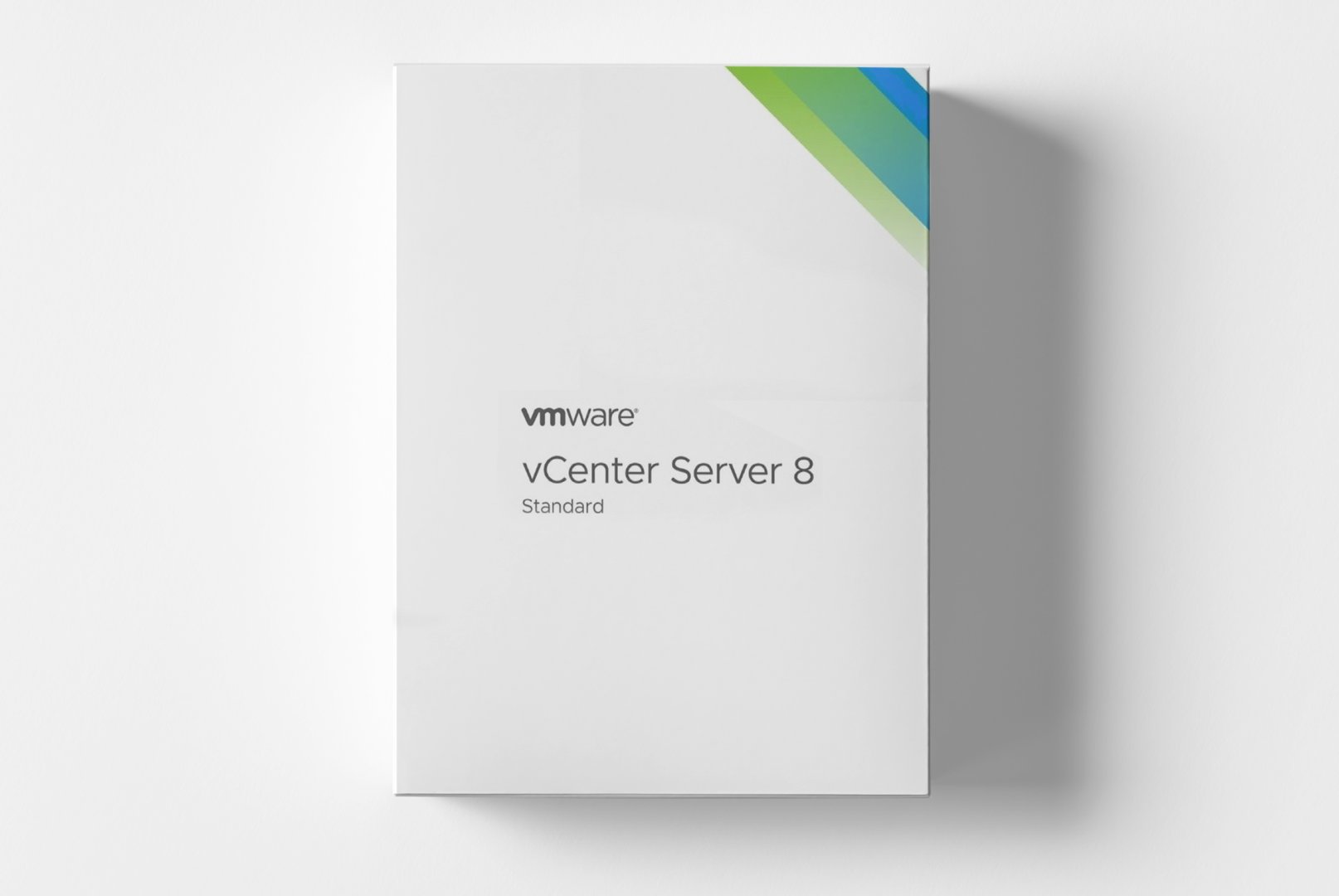
VMware vCenter Server 8 Standard: Enterprise Virtualization Management for Modern Data Centers
In modern IT infrastructures, professional virtualization management is critical for stability, scalability, and efficiency. VMware vCenter Server 8 Standard addresses this need with a comprehensive management platform that serves as the central hub for VMware vSphere environments. This enterprise virtualization management solution allows consolidated management of distributed ESXi hosts, optimal resource utilization, and automation of recurring administrative tasks. With vCenter Server 8 Standard, IT administrators have all the tools needed to effectively manage complex virtualization infrastructures and ensure operational reliability.
Comprehensive Management Features for Enterprise Virtualization
VMware vCenter Server 8 Standard integrates all the essential tools required for professional virtualization management in enterprise environments. The platform is designed to master the complexity of distributed virtualization infrastructures while providing maximum control and transparency. From basic VM management to advanced resource optimization, every feature is tailored to the demands of sophisticated data center environments.
Centralized Host and VM Management
Manage multiple ESXi hosts and thousands of virtual machines via a unified web interface. This virtualization management allows consolidated administration of entire vSphere environments regardless of their physical distribution. The hierarchical organizational structure with data centers, clusters, and folders offers logical groupings for complex infrastructures. Advanced search and filtering capabilities enable quick identification of specific objects, while bulk operations facilitate efficient management of multiple VMs simultaneously.
Automated Resource Optimization
Utilize the Distributed Resource Scheduler (DRS) for intelligent load balancing and automatic resource optimization across host clusters. This virtualization management solution continuously analyzes the utilization of all hosts and automatically migrates VMs between physical servers to optimize performance. vMotion allows live migrations without service interruption, while Storage vMotion permits the movement of VM data stores during operation. The resource pool feature ensures fair resource allocation based on business-critical requirements.
Comprehensive Monitoring and Reporting
Monitor the performance of your entire virtualization infrastructure with integrated monitoring tools and detailed performance charts. This virtualization management solution provides real-time insights into CPU, memory, storage, and network utilization at both host and VM levels. Advanced alarm features proactively alert you to performance bottlenecks or configuration issues. Integrated reporting functions generate comprehensive reports for capacity planning, compliance documentation, and cost distribution. Custom dashboards allow tailored overviews for different administrator roles.
Enterprise Applications for Professional Virtualization Infrastructures
VMware vCenter Server 8 Standard can be applied in various enterprise environments and supports different virtualization scenarios. The scalable platform flexibly adapts to growing infrastructure requirements.
- Central management of medium to large vSphere environments
- Consolidation of distributed virtualization sites
- Host clustering for high availability and load balancing
- Enterprise-wide VM lifecycle management
- Multi-tenant environments with role-based administration
- Disaster recovery and business continuity planning
Structured Administration for Efficient Virtualization Management
The workflow with VMware vCenter Server 8 Standard begins with the integration of the ESXi hosts into the management structure. After initial configuration, administrators create logical hierarchies with data centers, clusters, and resource pools. This virtualization management solution allows systematic organization of physical and virtual resources according to business requirements. The web-based vSphere Client interface offers consistent access to all management functions regardless of the administrator's location.
For recurring tasks, the platform offers extensive automation capabilities through the vSphere Automation API and PowerCLI integration. Administrators can create workflow templates that standardize complex operations such as VM deployment, snapshots, and backups. The integrated event system logs all changes and administrative actions for compliance and error analysis. Particularly useful is the option to create custom alarm definitions that proactively respond to performance issues or configuration deviations.
Advanced Security and Compliance Features
For enterprise environments, vCenter Server 8 Standard provides advanced security features for secure virtualization management. Integration with vSphere Security enables encrypted VMs, secure boot, and TPM 2.0 support. Role-Based Access Control (RBAC) ensures precise permission control with predefined and custom roles. The vCenter Server Appliance (VCSA) as a deployment option reduces the attack surface with a hardened Linux operating system. Integrated certificate management tools automate SSL/TLS certificate management for secure communication.
System Requirements for VMware vCenter Server 8 Standard
For smooth operation and optimal performance, we recommend the following system requirements. This virtualization management solution is designed for stability and scalability in enterprise environments.
| Component | Minimum Requirements | Recommended Requirements |
|---|
| Operating System | vCenter Server Appliance 8.0 | vCenter Server Appliance 8.0 |
| Processor | 2 CPUs (64-bit x86) | 4-8 CPUs (64-bit x86) |
| Memory | 16 GB RAM | 32 GB RAM or more |
| Storage | 400 GB free storage | 1 TB SSD storage |
| Network | 1 GbE network adapter | 10 GbE network adapter |
| Supported ESXi Version | ESXi 8.0 or higher |
| Managed Hosts | Up to 2,000 hosts per vCenter Server |
Performance Optimization for Large Environments
For optimal performance in extensive virtualization infrastructures, we strongly recommend meeting the recommended system requirements. Sufficient memory is critical for processing large inventories and performance data. SSD storage significantly accelerates database operations and the performance of the vCenter Server Appliance. For environments with more than 500 hosts, additional CPU resources noticeably improve the responsiveness of the web interface.
Your Advantages When Purchasing at softwareshop24.com
As a customer of
softwareshop24.com, you benefit from a transparent purchase process and reliable service for your enterprise software needs.
Direct Provisioning
The product code will be immediately available in your customer account after purchase and sent via email simultaneously.
Permanent Enterprise Version
Permanent version without subscription - purchase once, use indefinitely with full enterprise features.
Original Software
You will receive an original VMware product key with full manufacturer support and update rights.
Start Now with Professional Virtualization Management
VMware vCenter Server 8 Standard offers the fundamental platform for enterprise virtualization management in modern data centers. This solution combines all essential functions for centralized management, monitoring, and optimization of vSphere environments into a scalable, reliable platform. With vCenter Server 8 Standard, IT organizations not only gain efficiency through automation but also operational security through comprehensive monitoring and proactive alert mechanisms.
The combination of powerful management features, enterprise security functionalities, and seamless integration into the VMware product family makes vCenter Server 8 Standard an indispensable component for professional virtualization management. Whether you're consolidating a growing virtualization infrastructure or optimizing an existing vSphere environment, this platform provides the tools and scalability you need for efficient IT management.


 فارسی
فارسی
 Deutsch
 English
 Română
 Français
 Italiano
 Español
 Norsk
Norsk
 Svenska
 Nederlands
 Polski
 Türkçe
 Dansk
Dansk
 Čeština
 Suomi
Suomi
 Bahasa Indonesia
 Português (Brasil)
 Русский
 한국어
한국어
 العربية
 हिन्दी
 Bahasa Melayu
 Tiếng Việt
 ไทย
ไทย
 Українська
 Български
 Српски
 Hrvatski
 עברית
עברית
 Ελληνικά
 Magyar
 Lietuvių
 اردو
اردو