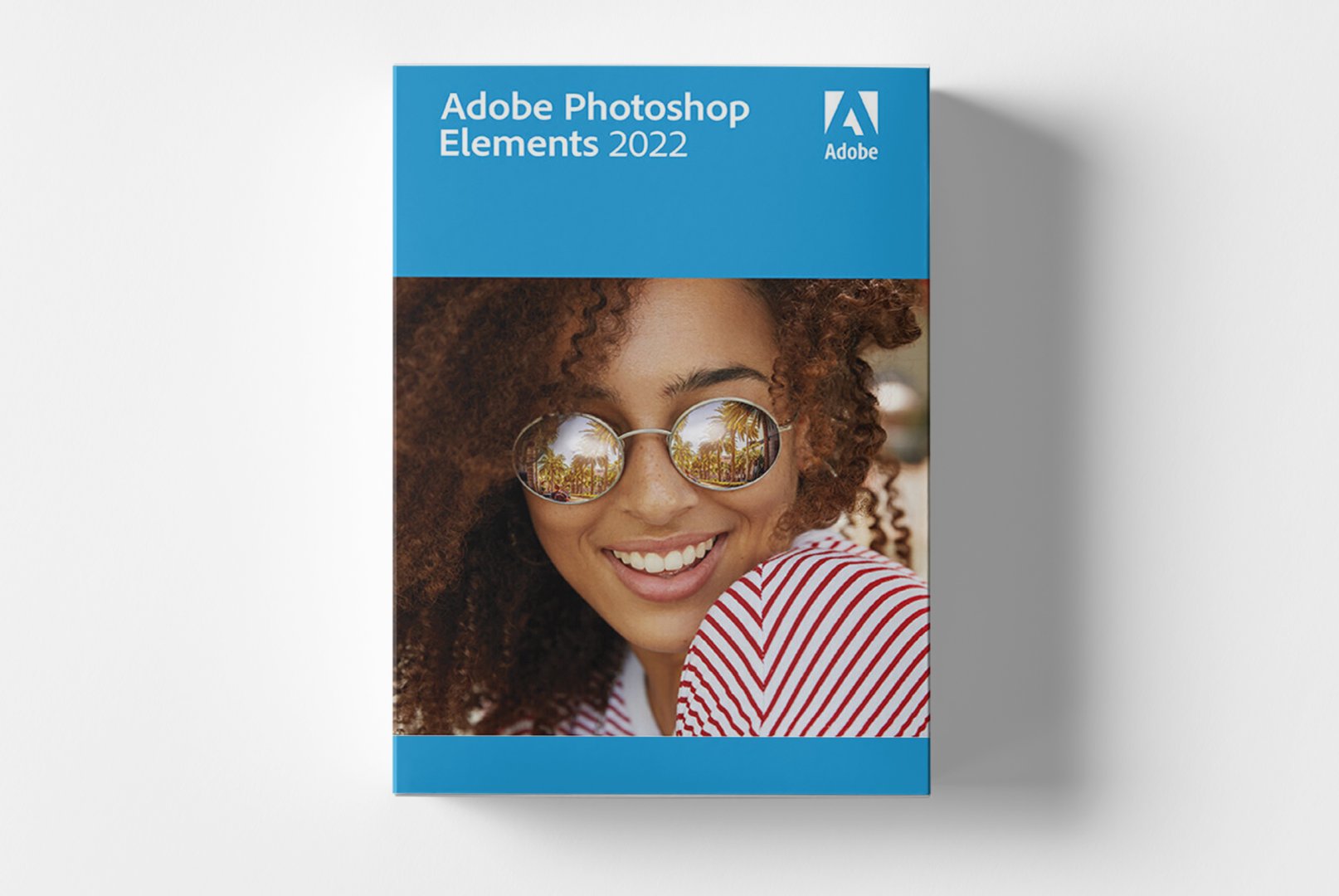
Adobe Photoshop Elements 2022: Intelligent Photo Editing with AI Technology
Adobe Photoshop Elements 2022 sets new standards in user-friendly photo editing through the use of advanced AI technology. This software makes professional photo editing accessible to anyone looking to optimize, organize, and creatively enhance their photos. With automated features and intelligent suggestions, you can achieve impressive results without complicated editing steps – perfect for hobbyists, families, and creative enthusiasts.
Revolutionary AI Features for Perfect Photos
Adobe Photoshop Elements 2022 leverages artificial intelligence to simplify and accelerate your photo editing. The software automatically analyzes your images and provides intelligent enhancement suggestions that can be applied with a single click. From automatic color correction to professional portrait retouching, the AI-driven features make complex editing techniques applicable for everyone.
Automatic Photo Enhancement
The AI technology automatically analyzes your photos and optimally adjusts brightness, contrast, color, and sharpness. Even in challenging lighting conditions, you can achieve balanced and professional results without manual corrections.Smart Crop Suggestions
Automatic composition suggestions help you crop your photos optimally. The AI recognizes the main subject and suggests various cropping options that maximize the image impact.Face and Object Recognition
The software automatically detects faces and objects in your photos. This allows for targeted editing of portraits, quick search for specific images, and automatic categorization of your photo collection.Diverse Applications for Every Need
Adobe Photoshop Elements 2022 is suitable for a wide range of applications and user profiles. Whether you want to enhance family photos, edit vacation pictures, or realize creative projects, the software provides the right tools for every situation.
- Family Photography - Enhance portraits and group photos with automatic improvements
- Travel Photography - Correct underexposed and overexposed vacation images
- Hobby Photography - Explore creative design options without prior knowledge
- Social Media Content - Create engaging images for Instagram, Facebook, and more
- Photo Books and Collages - Design unique memories with pre-made layouts
- Archiving and Organization - Efficiently manage extensive photo collections
Intuitive Workflows for Maximum Efficiency
The workflow in Adobe Photoshop Elements 2022 is specifically optimized for the needs of beginners and casual users. Three different editing modes guide you through the process based on your experience level: the 'Auto Smart Fix' mode for instant results, the 'Guided' mode for step-by-step instructions, and the 'Expert' mode for manual control.
Tip for Optimal Results
Use the automatic AI suggestions as a starting point for your editing. Often, the automatic corrections are sufficient to achieve professional results. If needed, you can always refine this base with manual adjustments.System Requirements for Adobe Photoshop Elements 2022
To utilize the full capabilities of Adobe Photoshop Elements 2022, we recommend adhering to the suggested system requirements. The software runs stably on most modern
Windows computers and offers optimal performance with sufficient hardware.
| Component | Minimum Requirements | Recommended Requirements |
|---|
| Operating System | Windows 10 (64-Bit) Version 1809 or newer | Windows 10 (64-Bit) Version 2004 or newer / Windows 11 |
| Processor | Intel® Core 2 Duo or AMD Athlon® 64 X2 Processor | Intel® Core i5 or AMD Ryzen 5 Processor |
| RAM | 4 GB RAM | 8 GB RAM or more |
| Graphics Card | DirectX 12 compatible graphics card | DirectX 12 compatible graphics card with 2 GB VRAM |
| Hard Disk Space | 6 GB of available storage | 10 GB of available storage (SSD recommended) |
| Internet Connection | Required for software download, activation, and validation. Broadband connection recommended. |
| Screen Resolution | 1280x800 display (at 100% scaling) |
Performance Tip for Optimal Speed
For smooth operation with large image files, we recommend installation on an SSD and at least 8 GB of RAM. When editing high-resolution photos, you can further optimize performance by increasing the available RAM for Photoshop Elements in the preferences.Your Benefits When Purchasing from softwareshop24.com
As a customer of
softwareshop24.com, you benefit from a transparent purchase process and reliable service. We offer you original Adobe software with full functionality and permanent use without hidden costs.
Immediate Provisioning
The product code will be provided to you immediately in your customer account and simultaneously sent via email after purchase.Permanent Use Without Subscription
Adobe Photoshop Elements 2022 is a permanent version with no subscription. Buy once, use forever – without monthly or annual fees.Original Software
You will receive an original product key from the manufacturer with full support and update rights for the 2022 version.Start Your Journey into Professional Photo Editing Today
Adobe Photoshop Elements 2022 opens the door to professional photo editing without a complicated learning curve. With intelligent AI technology, you can achieve results in no time that previously required extensive expertise. Whether you want to enhance memories, execute creative projects, or organize your photo collection – this software provides all the tools for impressive results. The combination of automatic enhancements, guided editing steps, and creative templates makes Adobe Photoshop Elements 2022 the ideal solution for anyone who values high-quality photos without delving deeply into the complex world of photo editing.